As an Amazon Associate, we earn from qualifying purchases. Some links on this site are affiliate links at no extra cost to you. Our recommendations are based on thorough research and editorial judgment.


Hybrid Note‑Taking: Scanning, OCR, Archiving

Hybrid note-taking combines the tactile benefits of paper with digital scanning and OCR technology. This method enables us to convert handwritten notes into searchable digital text, preserving and organizing our ideas effectively. Key advantages include reduced screen time and enhanced collaboration. To maximize this system, we recommend using quality scanning apps, organizing notes in designated folders, and regularly archiving digital copies. As technology advances, the future of note-taking will likely offer even more innovative solutions worth exploring.
Key Takeaways
- Hybrid note-taking combines handwritten notes with digital storage, enhancing accessibility and organization through scanning and OCR technology.
- OCR technology converts scanned handwritten notes into editable and searchable text, preserving key information and reducing data loss risks.
- Regularly archiving digital versions of handwritten notes ensures easy collaboration and protects documents from deterioration.
- High-quality scanning applications with OCR capabilities are essential for achieving accurate text recognition and efficient data management.
- Future trends in hybrid note-taking emphasize AI advancements for better handwriting interpretation and improved integration with digital document management systems.
The Benefits of Hybrid Note-Taking
When we explore the benefits of hybrid note-taking, it becomes clear that this approach offers a range of advantages for everyone. By combining the best of both worlds, the hybrid system allows us to enjoy the tactile experience of paper documents while integrating OCR technology for improved accessibility.
Key Benefits:
- Efficient Organization: Handwritten notes can be converted into a digital format, turning them into editable and searchable text.
- Creative Flexibility: The physical aspect aids in brainstorming, while digital tools enhance long-term storage solutions.
- Reduced Digital Fatigue: Limiting screen time offers a break from devices, emphasizing comfort and focus.
- Enhanced Data Quality: The combination guarantees valuable information is preserved, effectively preventing data loss and improving overall quality.
- Portable scanners often provide duplex scanning to speed up processing of two-sided notes.
How OCR Technology Works
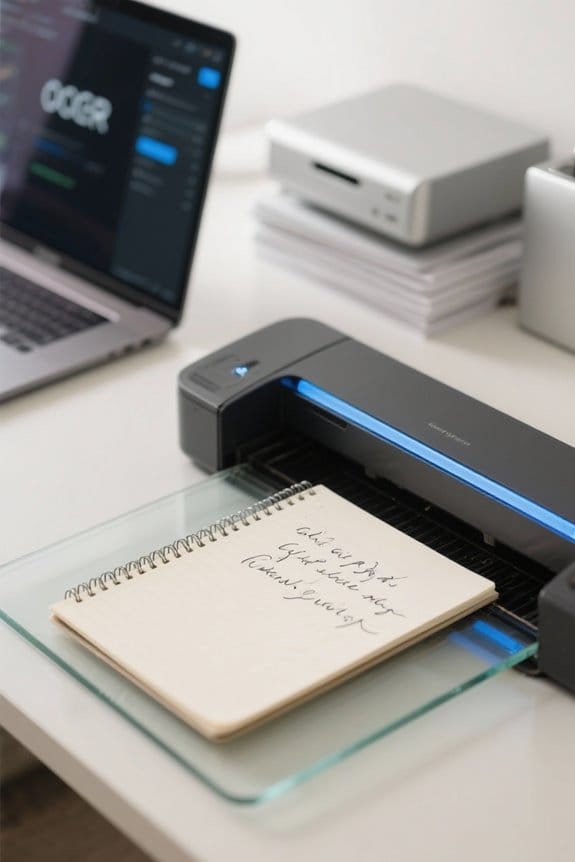
Understanding how OCR technology works can seem complex, but it’s really quite straightforward. When we use OCR, it scans documents and images containing text. Here’s a basic rundown of the process:
- Recognition: OCR examines each character in an image, identifying patterns of light and dark.
- Database Matching: These characters are then compared to a stored database of known characters to determine the best match.
- Accuracy: Modern OCR software achieves high accuracy, especially with printed text, often over 95%.
This technology is critical for businesses, making data entry from invoices and documents faster and reducing manual errors. By integrating OCR into our digital document management system, we can enhance data protection and efficiency, even when dealing with handwritten notes. Portable scanners often include OCR for creating searchable PDFs on the go.
Recommended Products

Capture large, 2-sided documents in a single scan - scans documents as small as 4" x 6" and as large as 8.5" x 40" via the ADF or 8.5" x 11.7" via the flatbed.

World's most popular business scanner-- no.1 Choice.
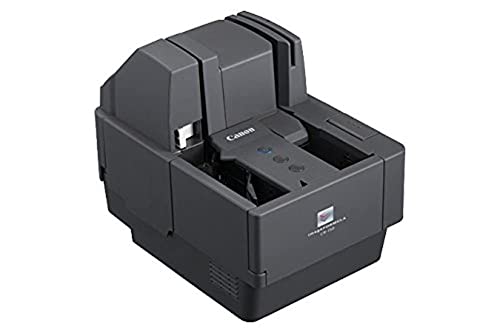
Compact design: Perfect for areas with limited workspace
Enhancing Accessibility Through Digital Archiving
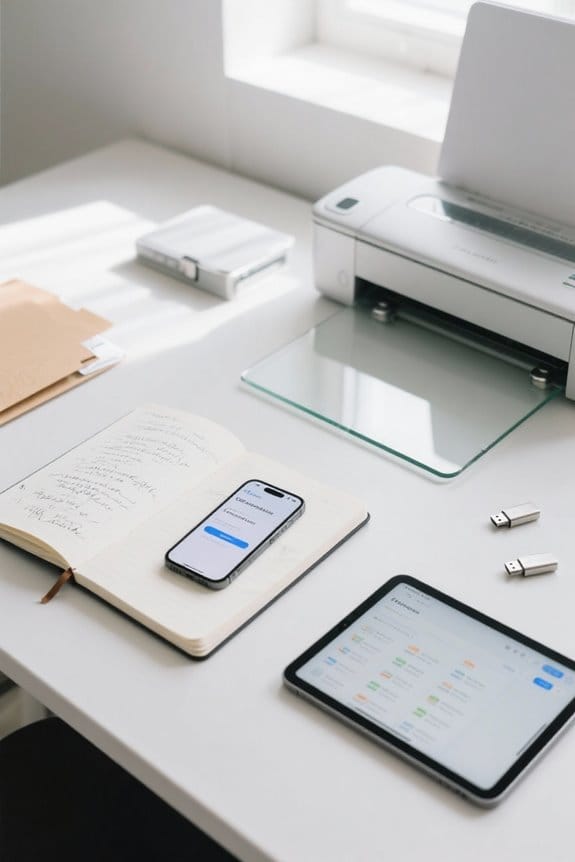
In today’s fast-paced world, enhancing accessibility through digital archiving has become essential for both individuals and organizations.
- Conversion of Notes: By using OCR technology, we can transform handwritten notes into searchable text, making retrieval easier.
- Protection of Legacy Documents: Digital archiving helps protect valuable documents from loss and deterioration, ensuring they’re available for future use.
- Improved Organization: Digital formats allow us to group related documents, boosting collaboration and streamlining document management.
- Integration with DMS: A Document Management System (DMS) integrates handwritten notes and digital documents, preserving context while centralizing information.
- Quality Assurance: AI-powered OCR accurately interprets unique handwriting styles, increasing reliability and reducing errors in our archiving processes.
High-speed scanners with Auto Document Feeder capability further accelerate batch scanning and improve workflow efficiency.
Recommended Products

Next Generation, High-Performance scanner with 100 page ADF

Instant document capture; fast processing: 27 ppm / 54 ipm full speed

High-Quality Scanning: Achieve crisp, clear image results with up to 600 dpi optical resolution, perfect for detailed documents and high-accuracy OCR.
Best Practices for Implementing a Hybrid System

As we look to enhance our methods for managing information, implementing a hybrid note-taking system can make our processes more efficient. Here are some best practices to follow:
- Structured Organization: Designate specific notebooks or digital folders for different purposes. This guarantees easy retrieval of information.
- High-Quality Scanning Applications: Utilize tools like Adobe Scan or Scanner Pro that feature OCR capabilities to convert handwritten notes into searchable digital versions.
- Regular Archiving: Consistently integrate and archive these digital versions to prevent loss and manage both analog and digital information effectively.
- Routine Scanning Practices: Establish a weekly scanning routine to maintain an updated digital repository, reducing risks associated with dark data.
Use a high-speed card reader to accelerate transfers when importing large batches of scans or photos from cameras and mobile devices, especially models that support USB 3.0 for faster workflows.
Recommended Products
![EXCaliberPC [2025] MSI Raider 18 HX AI A2XWJG-069US (Intel Core Ultra 9 285HX, 128GB DDR5 RAM, 16TB WD NVMe SSD, NVIDIA GeForce RTX 5090, 18" UHD+ mini LED, Windows 11 Pro) Gaming Laptop](https://m.media-amazon.com/images/I/31wpNaexAXL._SL500_.jpg)
Display: 18" UHD+ (3840x2400) 120Hz Mini LED HDR 1000 100% DCI-P3

18” UHD+ 4K 200Hz DISPLAY — Enjoy ultra-sharp 4K quality for creative work and high refresh rates for silky-smooth gameplay, backed by 100% DCI-P3 color accuracy that’s Calman Verified for the most lifelike visual

Sony USA Authorized. Bundle Includes: Sony PXW-Z190 4K 3-CMOS 1/3 inch Sensor XDCAM Camcorder, Professional LED 160 Video Light, 64GB SDXC High-Speed Memory Card, Soft Padded Carrying Case, 6 x 6 inch Straps (Assorted Colors), Cleaning Kit, Memory Card Wallet, SD Card USB Reader
Future Trends in Note-Taking Technology
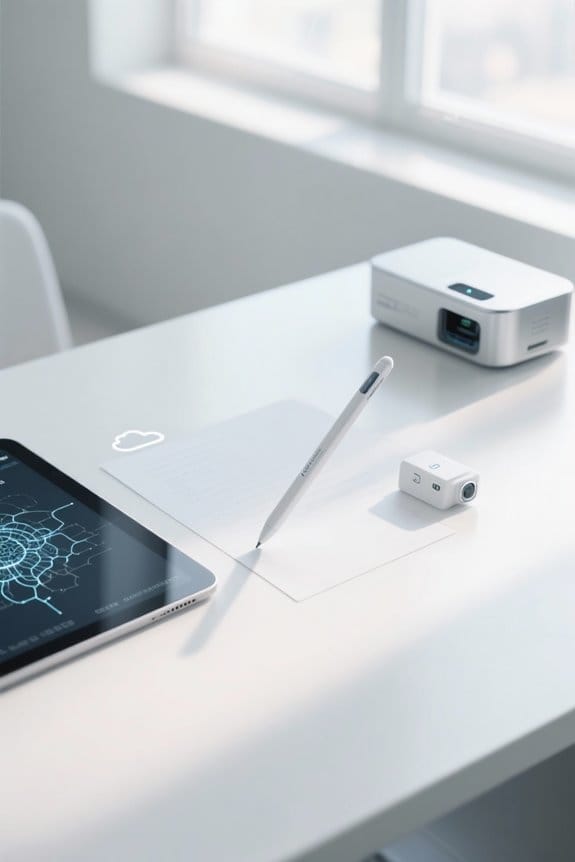
While we continue to embrace advancements in technology, the future of note-taking looks promising with several key trends emerging.
Hybrid Models:
These combine the best of both worlds by blending digital technology with traditional paper, providing flexibility to users.
Artificial Intelligence (AI):
AI will enhance Optical Character Recognition (OCR) capabilities, making handwriting digitization more accurate and efficient.
Digital Notebooks:
Future designs focus on portability and functionality, offering seamless integration with the cloud for easy access to notes.
Advanced Search:
AI will enable precise organization and retrieval of notes, streamlining user experience.
Collaborative Features:
Real-time sharing and editing will promote productivity, especially in team settings, making note-taking a more interactive process.
Portable scanners with high resolutions like 900 DPI will make digitizing handwritten notes and photos faster and clearer.
Frequently Asked Questions
What Devices Are Compatible With Hybrid Note-Taking Solutions?
When we consider hybrid note-taking, smart pens, tablets, and smartphones all work seamlessly together. Laptops enhance our experience, while digital notebooks and scanning devices further enrich our options for capturing and organizing notes efficiently.
How Can I Ensure My Handwriting Is Recognized Accurately?
To guarantee our handwriting’s recognized accurately, we should prioritize handwriting clarity, maintain consistent pen pressure, control our writing speed, design a clear note layout, and engage in consistent practice to improve digital conversion outcomes.
Can Hybrid Note-Taking Integrate With Existing Software?
We’ve found that integrating with existing software can ease integration challenges. By enhancing user experience and compatibility, the right productivity tools can greatly improve our workflow and streamline our processes for maximum efficiency.
What Is the Cost Associated With Hybrid Note-Taking Tools?
The cost associated with hybrid note-taking tools includes equipment investments, subscription fees, and software expenses. However, we can find long-term savings through value comparisons that make these tools worthwhile for our productivity needs.
Are There Specific Apps Designed for Hybrid Note-Taking?
Did you know 72% of users prefer apps with robust note organization? We’ve found several that offer features like digital storage, cross-platform support, and customizable handwriting styles, often highlighted in user reviews for their effectiveness.


