As an Amazon Associate, we earn from qualifying purchases. Some links on this site are affiliate links at no extra cost to you. Our recommendations are based on thorough research and editorial judgment.


Macos USB Power Delivery: Charging Rules and Limits

To optimize charging efficiency on macOS using USB Power Delivery (PD), we must understand key rules and limits. MacBooks dynamically negotiate power requirements, supporting varied outputs up to 140W for newer models. Older models max out at 87W. PD guarantees safety with power limits based on connected devices. Using compatible chargers, especially Gallium Nitride (GaN) ones, enhances charging efficiency and reduces heat. For deeper insights on maximizing your setup, it’s worth exploring further details on charging technologies.
Key Takeaways
- macOS devices negotiate power requirements dynamically with USB PD to optimize charging efficiency and safety.
- Newer MacBook models can handle up to 140W, while older models max out at 87W.
- iPhones connected over USB-C can charge at 12W or 15W, depending on the charger used.
- USB PD enforces charging limits based on device specifications to prevent overheating and overcharging.
- Proper cable and adapter selection is essential for maximizing charging performance and compatibility with USB PD standards.
Understanding USB Power Delivery
You may be interested



When we think about charging our devices, it’s important to comprehend how USB Power Delivery (PD) works. This universal fast-charging protocol utilizes USB Type-C connectors and offers flexible combinations of voltage and current. With the latest version, PD 3.1, users can enjoy a peak power output of up to 240W, making it effective for our MacBook Pro.
Key features of USB PD include:
- Bidirectional power flow: Devices can send and receive power.
- Safety features: Prevents overheating and overcharging.
- Universal compatibility: Reduces the need for multiple chargers across various devices.
When using USB-C ports, investing in quality cables with E-Marker chips guarantees efficient charging and safety. Proper understanding helps us maximize our fast-charging experience reliably. Additionally, many modern cables and adapters now support high-wattage charging up to 100W or more to accommodate powerful laptops and devices.
Charging Protocols Overview
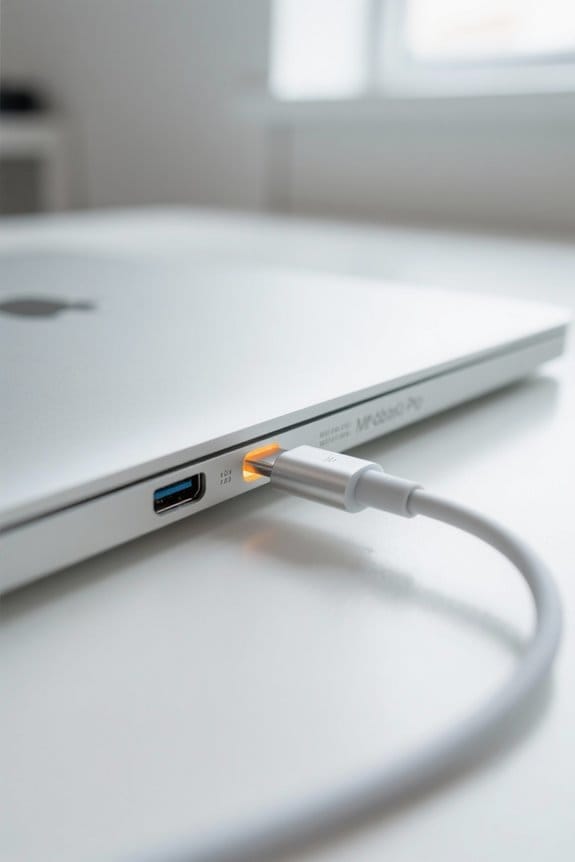
Understanding the various charging protocols is essential for maximizing our device’s charging efficiency and safety. One major protocol is USB Power Delivery (PD), which utilizes the USB Type-C connector.
- Flexible Power Options: PD supports a range of voltage and current combinations for different charging devices.
- Increased Power Output: Since 2012, PD has evolved from 100W in PD 2.0 to 240W in PD 3.1.
- Programmable Power Supply: Introduced in PD 3.0, PPS allows for precise voltage adjustments in 20mV increments.
- Device Communication: Devices negotiate their power needs, ensuring efficiency without exceeding safety limits.
Finally, remember to use USB-C cables with an E-Marker chip for efficient power delivery, especially with high-demand applications. Hubs and adapters often provide 100W Power Delivery for charging laptops and other devices.
Recommended Products

【ONE CHARGER FOR ALL TRAVEL】 Simplify your travel essentials with our 100W GaN charger. This compact 3-port wall charger can simultaneously power your MacBook Pro, iPhone 17. No more carrying multiple bricks; its foldable design and lightweight GaN technology make it the ultimate companion for international travel and business trips.
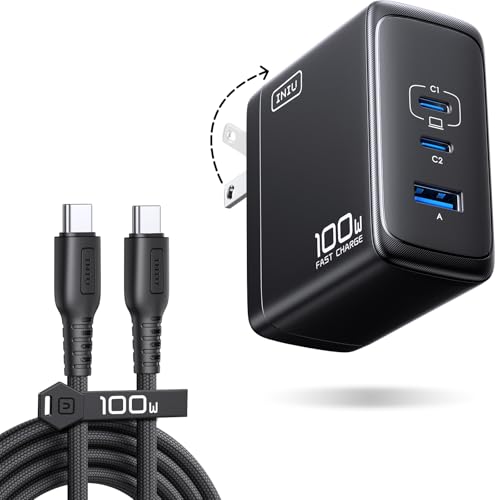
100W Power Trio: Charge Fast, Charge Three! 100W for laptops and fast-charging devices simultaneously. Unmatched speed and efficiency.

Support QC3.0 and QC2.0 voltage decoy output, and the mode can be switched freely.
Power Output Variances Across Devices
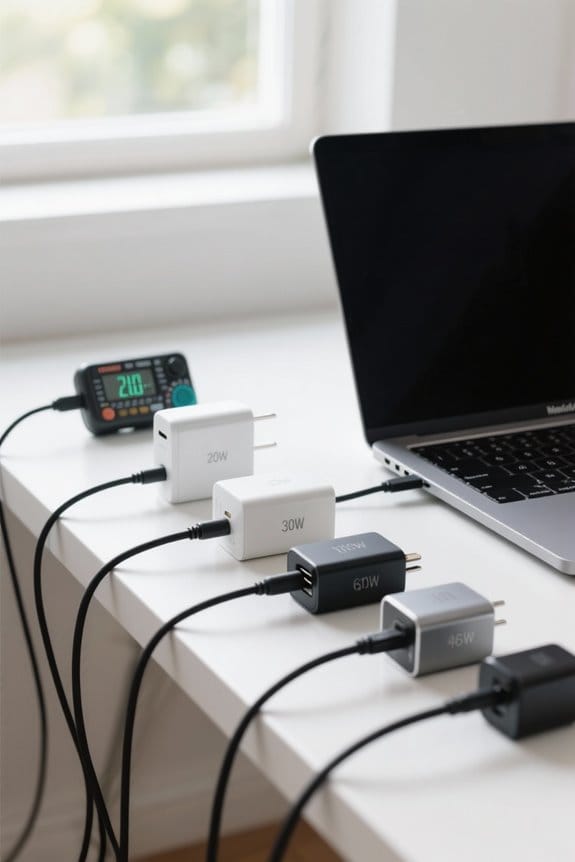
Power output can vary markedly across devices, making it essential for us to know what each one requires. Here are some key points regarding USB-C power delivery:
- MacBook Compatibility: Newer MacBook models can accept up to 140W via MagSafe 3 or USB-C, while older models typically max out at 87W.
- Power Distribution: When using multiple devices on one USB-C source, the available power is divided. For example, one device may get 15W, while two devices often share approximately 7.5W each.
- Charging Speeds: Fast charging an iPhone over USB-C can provide either 12W or 15W, depending on the charger’s capabilities.
The REBEL Dual 65W Charger demonstrates how a high-output car charger can deliver substantial power to multiple devices simultaneously with dual USB-C ports.
Recommended Products

Universal High-Speed Charging: PowerIQ 3.0 ensures rapid charging for USB-C phones, tablets, and more with fast charging capabilities.

Dual 45W High-Speed Output Design: Meagoes USB C car charger adapter fast charging supports to charge two Samsung S26 and iPhone 17 series from 0% to 60% in 30 minutes. Fast charge 2 devices simultaneously, there is no need to compete for the opportunity to charge electronic devices

67W 3-Port Car Charger USB C Fast Charge: KENHAO 67 Watt Cigarette lighter USB charger support PD 37W Max (USB C) and QC 30W Max (USB-A) output, can fast charge for most USB-A and USB-C devices simultaneously. One Multiport car charger accessories para carro for all your USB A & USB C devices, your ideal travel essentials companion
Dynamic Power Management During Charging
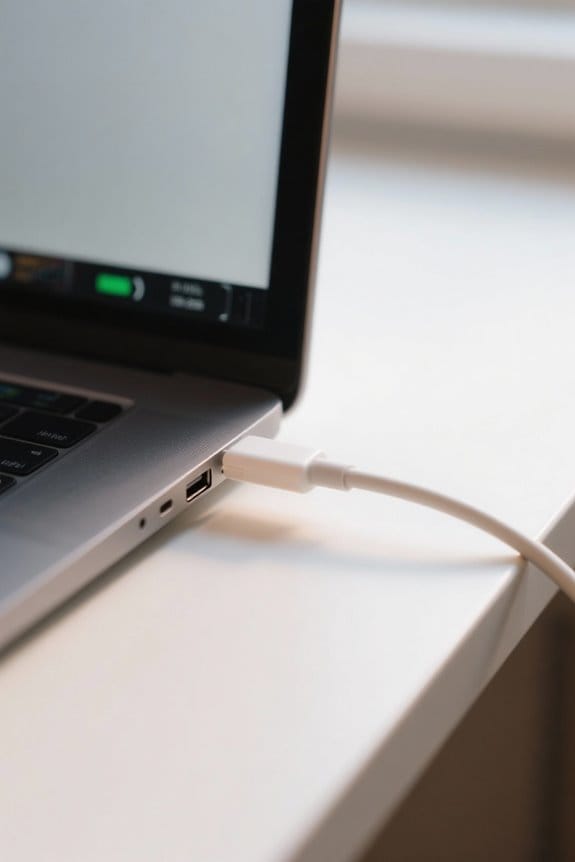
Effective power delivery not only helps gauge the power needs of various devices but also enhances charging efficiency through dynamic management. With USB Power Delivery (PD) technology, devices can negotiate power levels while charging. This means that a MacBook, when connected to a power adapter, might request up to 100W but will only draw what it currently needs.
Dynamic power management ideally distributes power among multiple connected devices, ensuring each gets sufficient charge based on its requirements. Additionally, this approach reduces heat generation during the charging process, which can help prolong battery health. By employing this intelligent system, we can achieve a more efficient, less wasteful charging experience for our devices. Many users also opt to keep accessories organized with clear acrylic desk organizers to maintain a tidy charging area and prevent cable clutter.
USB-PD Compatibility With Various Chargers
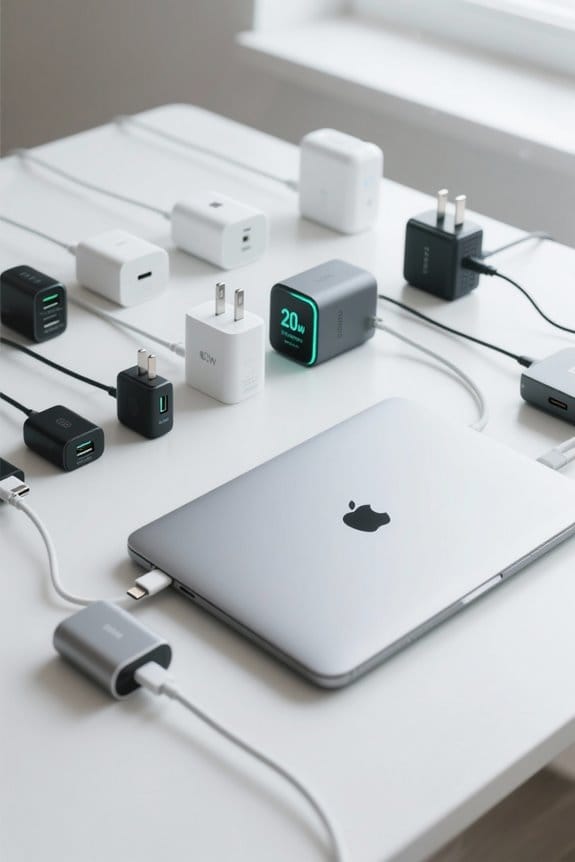
While we may not always think about it, USB Power Delivery (USB-PD) compatibility is essential for getting the most from our devices and chargers. Most modern devices, including our MacBook Pros, support USB-PD, allowing us to charge efficiently across various USB-C ports.
Here’s what to evaluate:
- Power Delivery: Many USB-PD chargers provide up to 100W, optimizing charging speed for laptops, tablets, and smartphones.
- Cable Quality: Not all USB-C cables handle high power levels. We should use certified cables with E-Marker chips for safe power delivery.
- Dynamic Adjustments: USB-PD enables devices to adjust voltage and current for better charging efficiency and less heat.
Being aware of these factors can enhance our charging experience considerably. Consider also using surge-protected power strips with USB-C fast charging to protect devices and maintain optimal charging performance.
Recommended Products

100W High‑Speed PD Charging: UGREEN compact USB C charging block powers MacBook Pro to 55% and iPhone 17 Pro Max to 68% in 30 minutes, delivering fast, reliable charging for laptops and phones
![USB C Charger Block 100W, 3-Port GaN Super Fast Phone Charger for Samsung, Type C 65W Laptop Chargers with 10ft USB C Charging Cable for MacBook Pro/Air,iPad Pro, iPhone 17/16, S26 Ultra/S25[2 Pack]](https://m.media-amazon.com/images/I/41Ym-bLdS1L._SL500_.jpg)
3-IN-1 USB C Fast Charging Block: Designed with dual PD type c fast charging ports & one QC 3.0 USB-A port(total max power is 100w and the USB-C ports max power is 65w), Auorld 65W USB C super fast charger can fast charge three devices simultaneously for efficient power distribution, such as laptops, cell phones,tablets,headphones, smartwatches, Swtich etc. One for all, save your outlet space

100W Max fast charge: Connect a single USB C device for up to 100W of power, maximum support 5A current, charge the MacBook Air M3 to 55% in less than 30 minutes with this laptop charger adapter. NOTE: With a 100W 5A charging cable and connecting a single USB-C port to reach 100W speed
Best Practices for Using Power Strips
When it comes to charging our devices, the way we use power strips can greatly impact efficiency. Here are some best practices to guarantee we maximize our charging experience:
- Check Specifications: Always verify the wattage of power strips, especially if they have USB ports. Many older models with USB-A ports provide only 12W, limiting our fast charging capabilities.
- Opt for USB-C Ports: Look for newer power strips with USB-C ports that support Power Delivery (PD). These generally offer higher power levels, making them more suitable for demanding devices.
- Use Dedicated Chargers: For high-demand devices, consider using a dedicated charger instead of a power strip. This choice helps guarantee faster charging and adequate power delivery.
Multi-port chargers with GaN technology can offer higher efficiency and smaller sizes, making them a good option when you need multiple high-power outputs.
Recommended Products

Our chargers and accessories don't just power up your devices, they offer the tech experience you want with zero restrictions.

【10-IN-1 Desktop Power Strip with USB C Fast Charge】— With 6 AC outlets, 2 USB ports and 2 USB C power strip, power up 9 devices simultaneously. USB C charging port features 3A Max, USB A charging port features 2.4A Max, With smart charging technology, it can auto-detect your connected devices and can reach faster-charging efficiency, which would charge your devices WITHOUT a variety of converters.
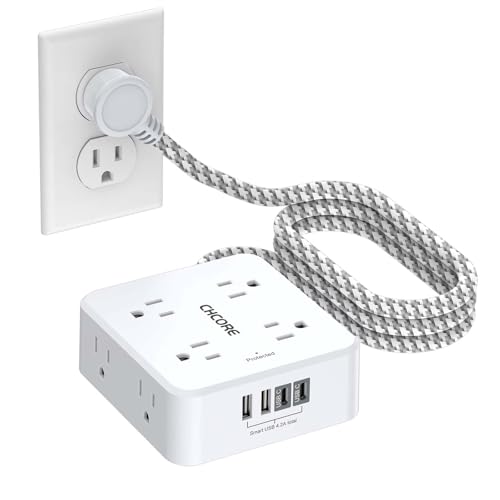
【12 IN 1 Surge Protector Power Strip】- The 3-side design surge protector power strip with 8AC widely outlets and 4 USB charging ports(2 USB C Ports), 5 Feet extension cord, can power up to 12 devices simultaneously. The compact design saves more space, suitable for the home, office, and college dorm room essentials.
Advantages of Gallium Nitride Technology
Gallium Nitride (GaN) technology is revolutionizing the way we think about power adapters. This innovative technology offers several advantages that improve our charging experience.
- Higher Efficiency: GaN chargers operate at higher temperatures and switch faster than traditional silicon-based power bricks.
- Compactness: Their smaller size means we can easily carry powerful charging solutions without the bulk of older models.
- Fast Charging: With the ability to support USB Power Delivery (PD) specifications up to 240W, these chargers can charge devices, including gaming laptops, up to three times faster than conventional options.
- Versatility: GaN technology works seamlessly with USB-C ports, making it suitable for various devices.
GaN chargers also enable quick USB-C charging that can provide many hours of use after short charging times.
Recommended Products

Ultra-Compact Design: Experience exceptional power in a remarkably compact charger that is 51% smaller than the original 67W MacBook charger—ideal to bring anywhere you go.
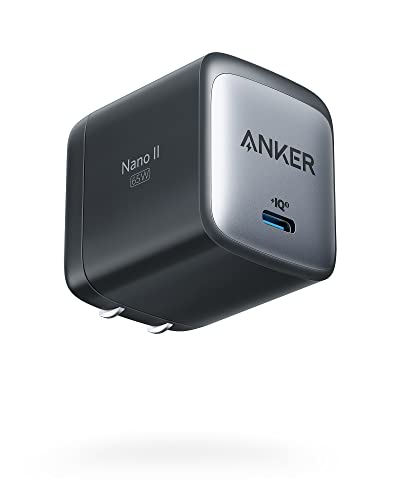
The Only Charger You Need: Say goodbye to your old power bricks. Anker 715 Charger (Nano II 65W) has the power you need to fast charge your phone, tablet, and USB-C notebook from a single tiny charger

100W Multi-Device Fast Charger: Power up three devices simultaneously with a total of 100W output through two USB-C and one USB-A port for efficient power distribution.
Future Trends in Charging Technologies
Innovations in charging technology are paving the way for a more efficient and convenient future. With the introduction of USB Power Delivery (PD) 3.1, we’re seeing charging capacities soar to 240W, supporting high-demand devices like gaming laptops and large monitors.
Key trends shaping the future include:
- Universal USB-C Ports: The EU mandates for USB-C implementation by 2026 and 2026 guarantee universal compatibility across devices.
- Smart Charging Technologies: These reduce heat during charging, enhancing battery longevity and efficiency.
- Dynamic Power Negotiation: USB PD allows devices to draw the necessary wattage, minimizing overload risks.
As we embrace these advancements, the dream of a single charger for multiple devices becomes more achievable, limiting cable clutter and improving user convenience. A growing ecosystem of accessories, such as multiport USB-C hubs, further extends device capabilities and centralized charging options.
Frequently Asked Questions
Can I Use a 60W Charger Instead of a 30W for a Macbook Air?
Yes, we can use a 60W charger for our MacBook Air. It maintains charging efficiency, guarantees power compatibility, and improves charging speed, all while respecting device safety and handling voltage differences effectively.
What Is the Maximum Power Delivery Capacity of a USB PD?
The maximum power delivery capacity of USB PD specifications is 240W. With voltage variations explained, it optimizes power delivery efficiency, ensuring charging device compatibility while addressing thermal management considerations for safe, effective use across devices.
Can I Use a 70W Charger for a Macbook Pro?
Yes, we can use a 70W charger for a MacBook Pro. However, it’s crucial to take into account charging compatibility and power adapter specifications to guarantee optimal charging practices based on our device’s energy consumption needs.
Can I Set My Macbook to Charge to 80%?
No, we can’t set our MacBook to charge to 80% natively. However, understanding charging settings and battery lifespan can help us manage energy, balancing performance impact with our user preferences for ideal results.