As an Amazon Associate, we earn from qualifying purchases. Some links on this site are affiliate links at no extra cost to you. Our recommendations are based on thorough research and editorial judgment.

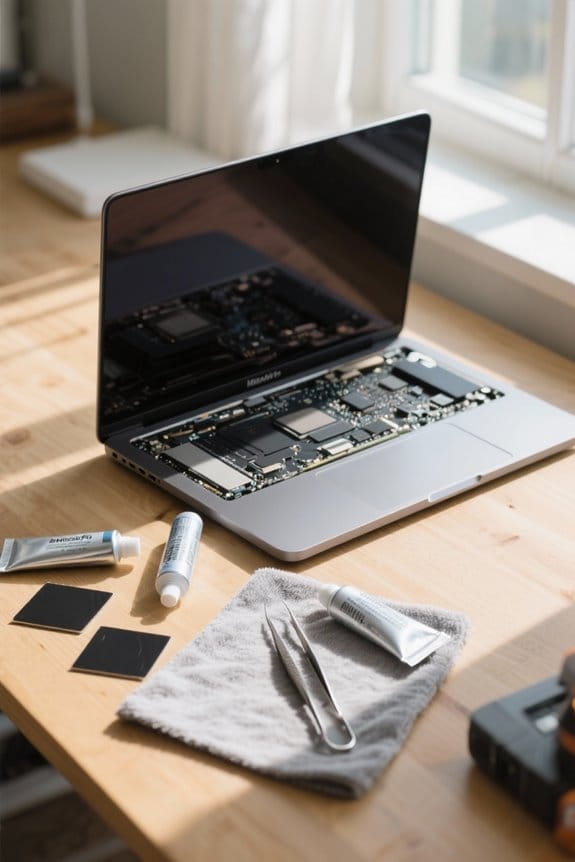
Repaste Vs Repad: When Each Fix Makes Sense

When deciding to repaste or repad, we should consider their specific purposes. Repasting is best when thermal paste is degrading or worn out, typically indicated by high temperatures above 85 °C. Alternatively, repadding is necessary when thermal pads are hard or compressed, causing inadequate contact. Regular checks are essential for maintaining ideal temperature. We recommend using high-performance thermal interface materials like TG Duronaut for repasting and softer pads for repadding. Explore further details for ideal thermal management.
Key Takeaways
- Repasting is recommended for addressing high core temperatures and inadequate thermal contact, especially if thermal paste shows signs of degradation.
- Repadding is essential when thermal pads are hard, degraded, or misaligned, impacting effective heat transfer between components.
- Consider repasting if overheating persists even after repadding, as fresh thermal paste may be necessary for optimal heat management.
- Regular maintenance, including repasting and repadding, can prevent performance throttling, especially during intensive tasks like gaming.
- Use high-performance thermal interface materials and softer thermal pads to enhance heat dissipation and minimize pump-out issues.
Understanding Thermal Paste and Its Importance
When it comes to keeping our computer hardware running efficiently, thermal paste plays an essential role in heat management. This thermal interface material (TIM) enhances heat transfer between the GPU and heatsink, preventing overheating that can damage components.
- Factors like pump-out can reduce the effectiveness of thermal paste, so regular reapplication is vital.
- We recommend high-performance TIMs, such as TG Duronaut and Halnziye HY-P17, due to their superior thermal conductivity and durability.
- Cleaning old thermal paste thoroughly is important; residue can trap heat, increasing core temperatures.
- Using proper application techniques, like a thin layer and avoiding air pockets, greatly boosts cooling solutions.
Optimal core temperatures should stay between 55 °C and 100 °C based on usage for best performance.
Continuous lighting kits with adjustable color temperature and brightness can help when photographing thermal paste application by providing consistent, diffused light for clearer images, such as the Skytex Softbox systems.
The Role of Thermal Pads in GPU Performance
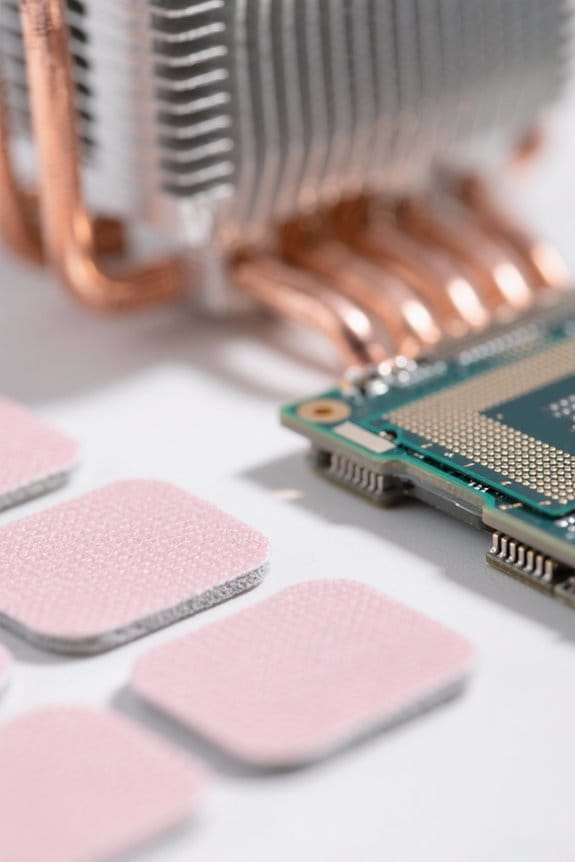
Thermal pads are another vital component in GPU performance, working alongside thermal paste to enhance heat dissipation. They guarantee efficient heat transfer between the GPU chip and the cooler, maintaining ideal operating temperatures. Here are a few points to reflect upon regarding thermal pads:
- Compression: Softer thermal pads provide better contact, which is essential for effective heat dissipation.
- Sizing: Non-uniform pad sizes can complicate the repadding process; careful selection is necessary to avoid overheating.
- Cleanliness: It’s important to clean old thermal pads before repadding, as residual material can hinder cooling efficiency.
- Excess Paste: Using a bit of thermal paste with pads helps fill imperfections and prevents air pockets, facilitating better heat transfer.
Many laptop cooling solutions, like multi-fan cooling pads, can reduce temperatures significantly and complement good pad usage for overall thermal management, especially in gaming or heavy-use scenarios where multiple fans aid airflow.
Symptoms Indicating a Need for Repasting
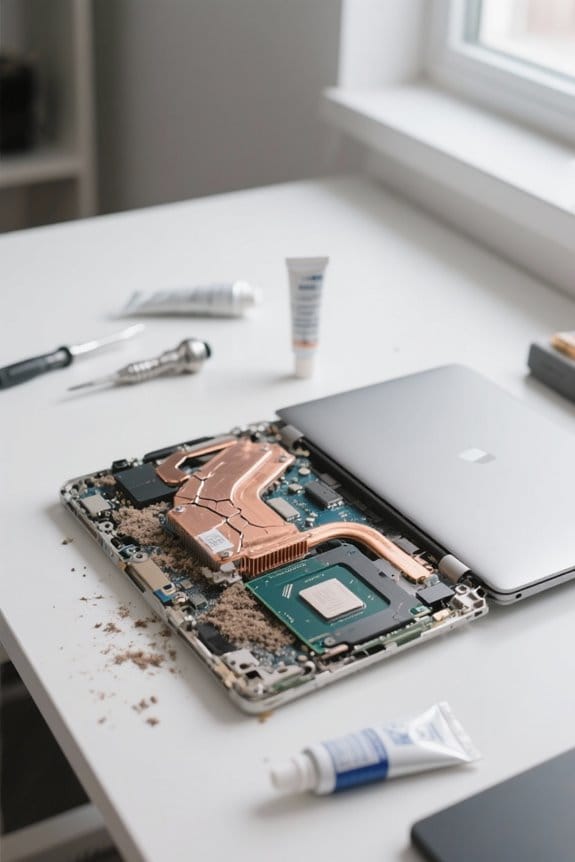
Recognizing the symptoms of GPU issues is essential, and there are several clear indicators that suggest it’s time for repasting. Here are a few:
- High Core Temperatures: If your GPU’s core temperatures frequently exceed 85 °C, it could indicate thermal paste degradation.
- Sudden Temperature Spikes: A sudden rise to 100 °C during intensive tasks signals inadequate thermal contact and may require immediate repasting.
- Persistent Overheating Issues: If you’ve tried repadding without success, fresh thermal paste is advisable for optimal performance.
- Visible Wear: Look for signs of thermal paste spreading, drying, or separating from the heat sink.
- Performance Throttling: If your GPU starts throttling or showing instability due to heat, replacing the thermal interface material is essential for performance.
Consider using a high-conductivity thermal paste like Cooler Master CryoFuze to improve heat transfer and longevity.
Recommended Products

Powered by the NVIDIA Blackwell architecture and DLSS 4


【Ryzen 7 7735HS Processor】The MINISFORUM UM773 Lite Mini PC is a small form factor Desktop Tower Computer with an AMD Ryzen 7 7735HS (8C/16T up to 4.9Ghz) processor. The process rule has improved from the previous generation of 7nm to 6nm, with Zen 3+ architecture, the computer can handle heavy computing tasks smoothly and better for multitasking. It widely used for light games, image editing, browsing, watching movies, programming etc.
When to Consider Repadding Your GPU
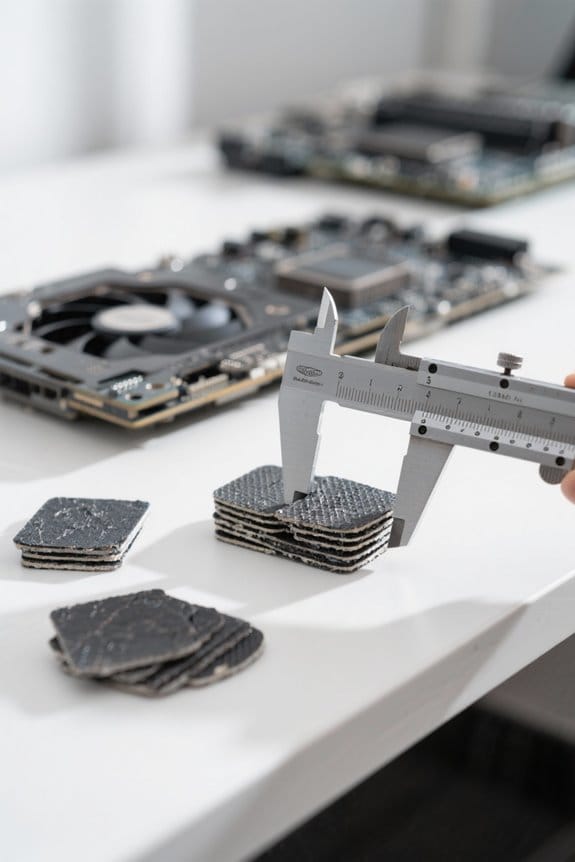
Proper maintenance of our GPU is key to ensuring peak performance and longevity. Repadding should be considered when we notice our thermal pads have become hard or degraded. This deterioration can lead to insufficient contact between the GPU and cooler, which often results in overheating.
Here are a few signs that repadding might be necessary:
- Increased temperatures during gaming or heavy use.
- A decline in cooling performance.
- Gaps and misalignment in pad placement.
Using the correct thickness and type of thermal pads is essential for ideal heat transfer. Softer thermal pads tend to offer better compression. By addressing these factors, we can greatly enhance our GPU’s performance and prevent overheating issues. Consider also organizing your workspace with a clear acrylic desk organizer to keep tools and replacement parts accessible and protected, especially a multi-compartment organizer that provides visibility and easy access.
Recommended Products

Intel Core i7-4720HQ 2.6GHz (turbo up to 3.6 GHz). 16 GB RAM.Battery 8Cells 6000 mAh
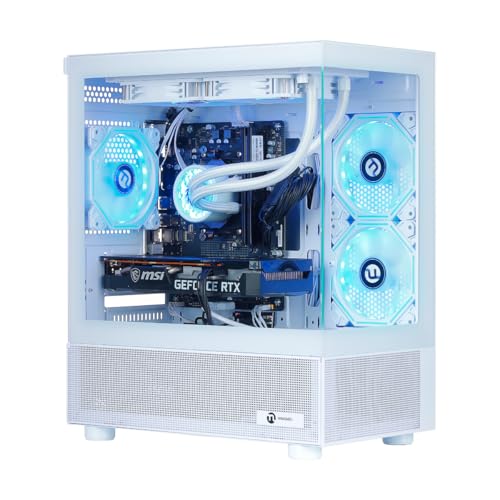
High-Performance Ryzen 7 Desktop:Powered by AMD Ryzen 7 5700X 8-Core processor (3.4GHz base, up to 4.6GHz boost) and GeForce RTX 5060 8GB, this prebuilt gaming desktop delivers smooth gameplay, responsive multitasking, and lightning-fast performance for AAA games, streaming, and content creation.

Best Practices for Effective Repasting and Repadding
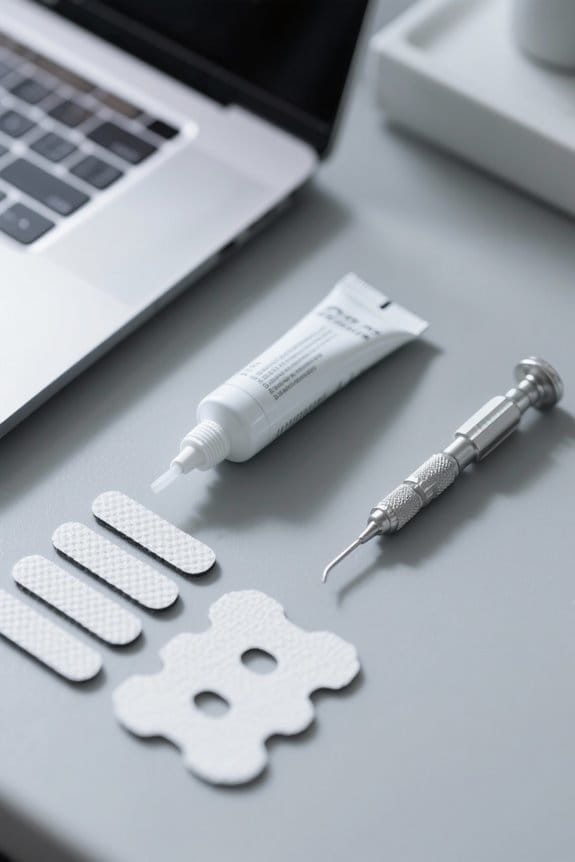
How can we guarantee our GPU runs at its best after repasting or repadding?
- Remove Old Thermal Paste: Always use isopropyl alcohol to eliminate old thermal paste. Clean surfaces promote better thermal transfer.
- Choose the Right Thermal Interface Materials (TIMs): High-performance options like TG Duronaut or Halnziye HY-P17 outperform conventional pastes, reducing pump-out issues.
- Measure Thermal Pads Precisely: For repadding, make sure no gaps exist by cutting thermal pads accurately. Uniform pressure across the GPU is vital to prevent overheating.
- Opt for Softer Thermal Pads: Softer pads allow for better compression, promoting effective heat dissipation.
- Monitor Temperature: After repasting or repadding, keep a close eye on temperatures. Minor adjustments can drastically affect thermal performance.
Additionally, consider using a USB power meter to measure actual device power draw during testing to verify improvements in efficiency and thermal behavior USB power meter.
Recommended Products
![HIDevolution [2025] ASUS ProArt P16 H7606WP Black 16" 4K OLED Touch, 2.0 GHz Ryzen AI 9 HX 370, RTX 5070, 64 GB LPDDR5X RAM, 16 TB PCIe SSD, Windows 11 Pro](https://m.media-amazon.com/images/I/41BUZNaAIUL._SL500_.jpg)
AMD Ryzen AI 9 HX 370 12 Core - 24 Thread Processor, 2.0 GHz (Max Turbo Frequency 5.1 GHz), 36 MB Smart Cache with NVIDIA GeForce RTX 5070 w/ 8 GB GDDR7
![HIDevolution [2025] ASUS ROG Strix G18 G815LW 18" WQXGA 240Hz IPS-Level, 2.1 GHz Ultra 9-275HX, RTX 5080, 128 GB DDR5 RAM, 8 TB PCIe SSD, Windows 11 Home](https://m.media-amazon.com/images/I/41MtJZoq5vL._SL500_.jpg)
Intel Core Arrow Lake Ultra 9-275HX 24 Core - 24 Thread Processor, 2.1 GHz (Max Turbo Frequency 5.5 GHz), 36 MB Smart Cache with NVIDIA GeForce RTX 5080 w/ 16 GB GDDR7
![HIDevolution [2025] ASUS ROG Zephyrus G16 GU605CX [White] 16" WQXGA 240Hz OLED, 2.7 GHz Ultra 9-285H, RTX 5090, 64 GB LPDDR5X RAM, 4 TB PCIe SSD, Windows 11 Pro](https://m.media-amazon.com/images/I/21NKyCxEXkL._SL500_.jpg)
Intel Core Arrow Lake Ultra 9-285H 16 Core - 16 Thread Processor, 2.7 GHz (Max Turbo Frequency 5.4 GHz), 24 MB Smart Cache with NVIDIA GeForce RTX 5090 w/ 24 GB GDDR7
Frequently Asked Questions
Is It Worth Repasting a GPU?
Absolutely, repasting a GPU is worth it for improved thermal efficiency and performance boost. Ensuring proper application techniques can considerably enhance longevity factors, especially if we notice symptom indicators like overheating or fluctuating temperatures.
How Often Should You Repaste Your Thermal Paste?
We should repaste thermal paste every 1 to 3 years, monitoring for overheating indicators. Following repasting frequency guidelines guarantees performance improvements and ideal cooling efficiency, especially with high-performance pastes that degrade faster.
What Does It Mean to Repaste?
Imagine we’re knights in armor, battling heat! Repasting means applying fresh thermal paste to improve our system’s cooling performance, using precise application techniques to avoid common mistakes and achieve better temperature management for our GPUs and CPUs.
Is It Worth Repasting a CPU?
Yes, repasting a CPU’s thermal paste is worth it. We enhance performance improvement and heat dissipation, promoting CPU longevity, ultimately enriching our overall user experience while avoiding costly hardware upgrades. It’s a smart maintenance choice!