As an Amazon Associate, we earn from qualifying purchases. Some links on this site are affiliate links at no extra cost to you. Our recommendations are based on thorough research and editorial judgment.


USB‑C E‑Marker Chips: Cable Length, Power, and Signal Loss

USB-C E-Marker chips are essential for optimizing power delivery and maintaining signal integrity in our cables. They help manage power transmission up to 100W, especially important for devices like laptops. Cable length affects performance; ideally, we should use cables under 1 meter to minimize voltage drops and maintain data rates. Thicker conductors can reduce these issues. By selecting cables with E-Marker chips, we guarantee safe power delivery and reliable data transfer, leading to better performance overall. There’s more to explore on this topic.
Key Takeaways
- E-Marker chips optimize USB cables for power delivery, allowing safe transmission of up to 100W without overheating.
- Longer cables can experience voltage drops, affecting power delivery for devices that require high wattage.
- For optimal performance, keep USB 3.1 Gen 2 cables under 1 meter to minimize signal loss.
- Thicker cables are recommended to reduce voltage drop over distance, ensuring efficient power transfer.
- Active cables are ideal for longer distances, maintaining signal integrity and enhancing data transfer rates.
Understanding USB-C E-Marker Chips and Their Importance
You may be interested


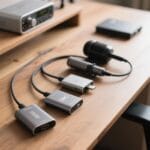
When we think about modern USB-C technology, the role of E-Marker chips quickly becomes clear. These chips serve essential functions in optimizing USB cables for power delivery and data transfer rates. Here’s what we need to know:
- Power Management: E-Marker chips enable cables to safely transmit up to 100W, allowing devices to communicate and adjust power delivery.
- Safety First: Without these chips, high-wattage cables could risk overheating or damage, possibly letting unsafe outputs through.
- Data Integrity: E-Marker chips enhance data integrity by detecting cable specifications, which minimizes signal loss during data transfer.
Hubs and adapters with 100W Power Delivery ports often rely on properly specified E-Marked cables to deliver full charging performance and minimize risk.
The Impact of Cable Length on Power Delivery

Cable length plays a crucial role in determining how well USB-C can deliver power to our devices.
- Cables longer than 1-2 meters may face significant voltage drops.
- This can seriously impact power delivery, especially for high-wattage demands.
- A cable length of around 1 meter typically allows for peak performance at up to 100W.
- However, lengths exceeding this may result in diminished power transfer and signal degradation, particularly with high-speed USB standards like USB 3.1 and USB 4.
To guarantee reliability, using quality cables with thicker conductors is crucial. These help minimize voltage drop over longer distances, maintaining efficient power delivery. Cables equipped with E-Marker chips are essential in high-wattage applications, validating their ability to handle voltage and current requirements safely. A shorter, well-specified cable with an E-Marker chip will also ensure correct PD3.1 power negotiation and safe delivery at higher wattages.
Recommended Products

100W Fast Charging: The UGREEN USB C cable supports 100W fast charging with PD3.0 and QC3.0 technology to quickly charge iPhone 17 Pro Max to 50% in just 20 minutes. Backwards compatible with 65W/45W/30W/20W chargers
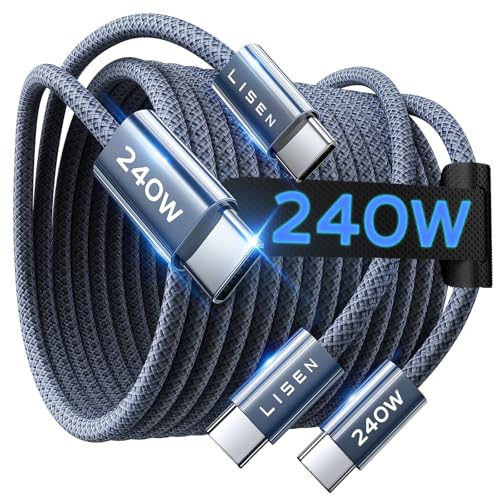
CONFIRM BEFORE BUYING — USB-C to USB-C ONLY: This cable connects two USB-C ports — it does NOT include a USB-A connector. Not a retractable coil cable. Not a magnetic self-winding cable. Features a tangle-free, ultra-flexible design for everyday 240W fast charging. If you experience any quality issues upon arrival, our customer support team is available 24/7 to assist with a prompt and professional solution.

100W Fast Charging: The UGREEN USB C cable supports 100W fast charging with PD3.0 and QC3.0 technology to quickly charge iPhone 17 Pro Max to 50% in just 20 minutes. Backwards compatible with 65W/45W/30W/20W chargers
How E-Marker Chips Minimize Signal Loss

E-Marker chips play a vital role in minimizing signal loss in USB-C cables, particularly in high-wattage applications. Here’s how they achieve this:
- Optimal Power Delivery: E-Marker chips communicate power delivery capabilities, allowing devices to receive suitable voltage and current without overheating.
- Stable Data Transmission: These chips enhance data transfer rates, essential for maintaining effective communication over longer cable lengths, especially in certified cables.
- Higher Power Support: They enable USB-C cables to support higher wattages, ensuring devices get adequate power without sacrificing signal integrity.
UGREEN cables often pair E-Marker chips with 24bit/96kHz support to balance power and high-fidelity audio transmission.
Recommended Products
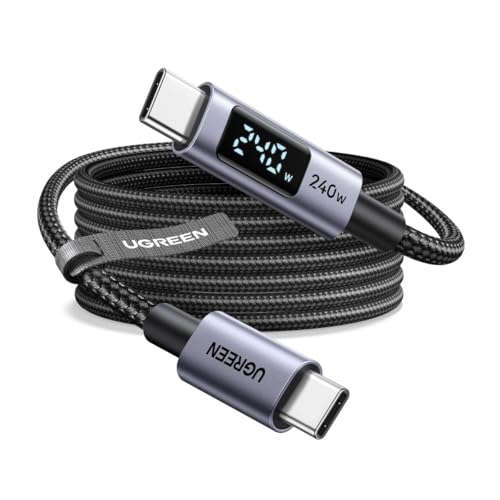
240W MAX Super-Fast Charging: The high speed usb c cable supports PD 100W protocol, 48V/5A high-power output, and can charge an iPhone 17 Pro Max to 50% in 20 minutes

240W Ultra-Fast Charging – One Cable to Rule Them All: Experience blazing-fast 240W charging with the latest PD 3.1 EPR standard—enough to juice up a 16" MacBook Pro at full speed or quickly top off your iPhone 17/16. An integrated E-Marker chip intelligently negotiates the optimal power for any connected device, supporting 140W, 100W, and 60W for seamless compatibility across all your USB-C gear, from next-gen laptops to everyday phones. One cable, endless possibilities

240W Superfast Charging: Empower your devices with Superb 240W PD 3.1, charging a MacBook Pro 16" to 56% in 30 minutes. Backward compatible with 140W/100W/65W devices, ensuring future-proof performance for laptops, phones, and accessories
Power Ratings: Why 100W Cables Are Common

As technology continues to advance, the demand for efficient power solutions has led to the widespread adoption of 100W USB-C cables. These cables, equipped with E-Marker chips, are designed to safely transmit up to 100W of power. This makes them perfect for charging high-demand devices like laptops and fast-charging smartphones.
Key reasons why 100W cables are common include:
- Power Delivery: They guarantee safe and efficient power delivery, essential for modern devices.
- Compatibility: Many devices, like the Apple MacBook Pro 16″, require higher power to function effectively.
- Data Transfer: They support maximum data transfer rates, enhancing overall performance.
With increased demand for faster charging, 100W cables are becoming a standard in our tech-savvy lives. Many users pair these cables with high-wattage chargers to charge multiple devices quickly and safely.
Recommended Products
![JSAUX 100W USB C to USB C Cable [2-Pack 6.6FT], PD Fast Charging, Grey](https://m.media-amazon.com/images/I/51nuU9gvFIL._SL500_.jpg)
[Double Ended USB C Cable] This is the USB C to USB C Cable. NOT the USB C to USB A cable, which means it has the same USB C charger block on the both ends, so you need a USB C wall charger to charge your device. NOTE: This product DO NOT support video output.
240W MAX Super-Fast Charging: The high speed usb c cable supports PD 100W protocol, 48V/5A high-power output, and can charge an iPhone 17 Pro Max to 50% in 20 minutes
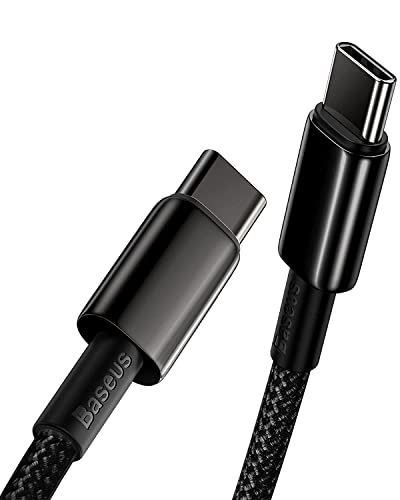
✔【100W High Power Delivery】The 5A/20V 100W PD technology takes the charging speed to the next level. The fast charge can fully charge a Samsung S20, from 0 to 100%, in 50 minutes. It can also charge a MacBook Pro 16" up to 75% in 1 hour - 58% faster than a 60W cable.
Choosing the Right Cable for Your Needs

When we’re on the hunt for a suitable USB-C cable, it’s essential to understand our specific needs. Here are a few key points to take into account:
- E-Marker Inclusion: Look for cables with E-Marker chips for safe power delivery above 3A and enhanced data transfer speeds.
- Power Ratings: Choose the right cable power rating. For example, 100W cables are ideal for devices requiring that amount.
- Maximum Lengths: USB 3.1 Gen 2 cables shouldn’t exceed 1 meter to avoid signal loss.
- Active Cables: For longer distances, opt for active cables that maintain signal integrity.
- Cable Thickness: Thicker cables with larger conductors can minimize voltage drop, improving power delivery efficiency.
- Dock Compatibility: Confirm cable compatibility with your Thunderbolt 4 dock to ensure full power delivery and multi‑display support.
Recommended Products

The Anker Advantage: Join the 80 million+ powered by our leading technology.
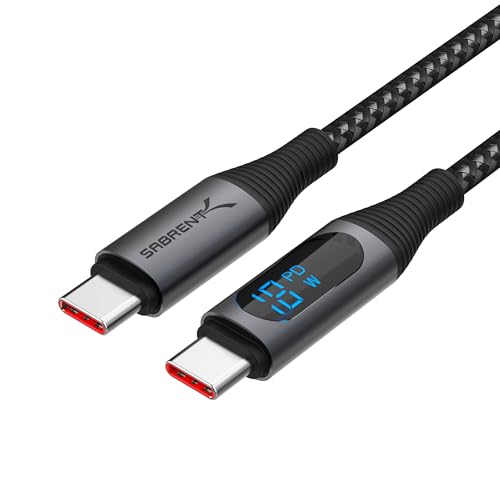
High-Quality Cable: Our Sabrent USB-C to USB-C Cable with Smart Display offers fast and reliable charging for up to 100W. The cables are designed for resiliency and convenience with careful construction for both data (480Mbps) and power.
Ensuring Cable Quality and Compatibility
To guarantee we choose high-quality USB-C cables that meet our needs, it’s important to understand the role of various features and standards. Here are some key points to take into account:
- USB-IF Certified: Always look for USB-IF certification, which guarantees compatibility and adherence to industry standards.
- E-Marker Chips: These are essential for cables above 3A, enabling safe power delivery for higher wattage devices.
- Cable Quality: Thicker cables with larger conductors are recommended for longer distances to reduce voltage drop and guarantee consistent power delivery.
- Signal Loss: Quality cables minimize signal loss, maintaining performance for higher data transfer speeds, especially with USB 3.1 and USB 4.
- Many high-performance cables also include EMARK2.0 technology for added safety and temperature monitoring.
Recommended Products
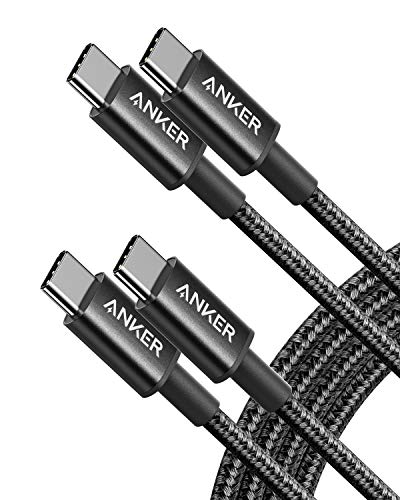
Durable Design: Reinforced nylon exterior and a robust core ensure this cable withstands up to 5,000 bends, outlasting other brands
![AINOPE USB to USB C Cable [2-Pack, 6.6ft] 3.1A Type C Charger Fast Charging, Right Angle USB C Cable for iPhone 17 Carplay Cable, Galaxy S10+ S10 S9, Note 10 9, LG V30, Moto, iPhone 16 15 Charger Cord](https://m.media-amazon.com/images/I/416427ViNQS._SL500_.jpg)
NOTE:1. PLEASE KINDLY KNOW this CABLE is USB-A TO USB-C CABLE instead of USB-C TO USB-C or Lighting connector. 2. It NOT COMPATIBLE with iPhone 14 Series and earlier versions or other deviices with lightning slot. 3.The thickness of the compatible mobile phone case charging port is 5.5mm.
![LISEN USB C to USB C Cable, 5-Pack [3.3/3.3/6.6/6.6/10FT] for iPhone 17 Charger Cord, 60W C to C Cable Fast Charging for iPad, iPhone 16 15 Pro Max, Galaxy S25/S24 USBC to USBC Cable Gifts for Men](https://m.media-amazon.com/images/I/516hG1AW5ZL._SL500_.jpg)
60W Turbo Fast Charging:This iPhone 17 charger cord support PD3.0/QC3.0/QC4.0 fast charging up to 60W Max (20V/3A) with USB-C Power Delivery adapters such as 30W/45W/60W. Which 2.2X faster than 3.1A version and charges USB C Phone from 0% to 80% within 35 minutes, iPad Pro 64% within 35 minutes, Macbook air 50% within 35 minutes, and data transfer speeds up to 480Mbps (1200 songs synced per minute) compatible with Samsung,Tablt,iPad Air Mini Pro,Macbook and More.
Frequently Asked Questions
How Long Can a USB-C Cable Be Before the Signal Degrades?
We’ve found that USB-C cables typically maintain signal integrity up to 1 meter for high-speed applications. Beyond that, cable quality, construction, and environmental interference factors can lead to compatibility issues and affect data transfer performance.
How Long Can a USB Cable Be Without Signal Loss?
USB cables vary by standard; we can achieve up to 5 meters for USB 2.0 while maintaining signal quality. For higher standards, like USB 3.1, we should stay within 3 meters to guarantee signal integrity.
How Long Can a USB-C Cable Be for Power?
How long can a USB-C cable be for power? We’ve found that ideally, it shouldn’t exceed 2 meters to guarantee effective power delivery, minimizing voltage drop, heat generation, and potential compatibility issues from poor cable specifications.
Does USB Lose Power Over Distance?
Yes, USB can lose power over distance due to voltage drop, influenced by cable quality, current rating, and environmental factors. Maintaining signal integrity and proper impedance matching is essential for ideal data rates and performance.


