As an Amazon Associate, we earn from qualifying purchases. Some links on this site are affiliate links at no extra cost to you. Our recommendations are based on thorough research and editorial judgment.

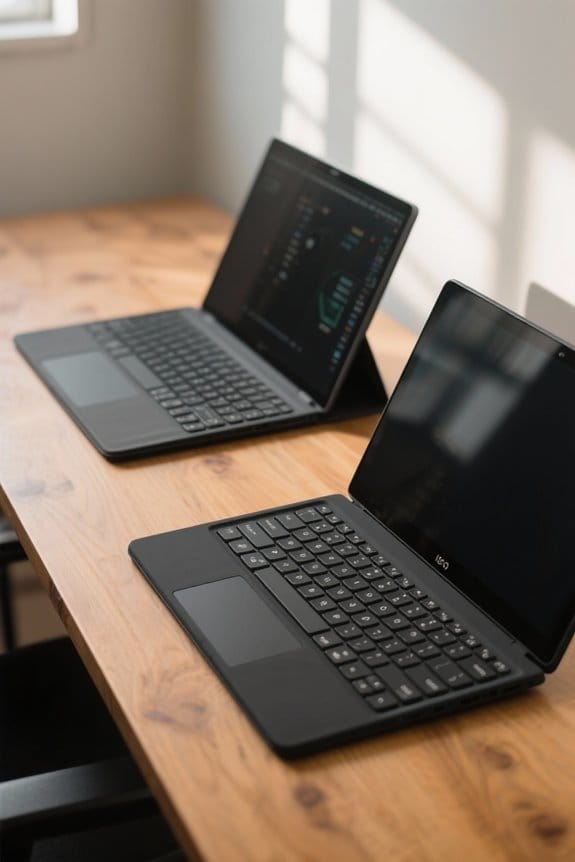
Laptop Keyboard Layouts: ANSI Vs ISO and Regions

When selecting a laptop keyboard, we should consider the differences between ANSI and ISO layouts. ANSI has a rectangular Enter key and is favored in North America, while ISO features an L-shaped Enter key and is popular in Europe. Each layout has distinct advantages, such as ANSI’s broad software compatibility and ISO’s multilingual support. Understanding these layouts can enhance our typing comfort and efficiency. Let’s explore how these factors influence the choice for different regions.
Key Takeaways
- The ANSI layout is predominantly used in North America, featuring 104 keys and a rectangular Enter key.
- The ISO layout, commonly found in Europe, offers 105 keys and an L-shaped Enter key, supporting multilingual typing.
- ANSI keyboards provide broad software compatibility and customization options, while ISO keyboards emphasize access to special characters with an additional Alt Gr key.
- Regional preferences affect the availability of layouts: ANSI is common in the U.S., while ISO is preferred in countries like Germany and France.
- Ergonomic considerations are essential when selecting layouts, as typing comfort and key placements vary significantly between ANSI and ISO keyboards.
Understanding Keyboard Layouts
When it comes to understanding keyboard layouts, it’s important to recognize how different designs can affect our typing experience. The two most common keyboard layouts are ANSI and ISO. Here’s a quick breakdown:
- ANSI Layout:
- 104 keys
- Wide rectangular Enter key
- Longer left Shift key
- Backslash key above the Enter key
- ISO Layout:
- 105 keys
- L-shaped Enter key
- Shorter left Shift key
- Backslash key to the left of the Enter key
Different key placements can greatly impact our typing comfort and efficiency. Familiarity with either layout can enhance our overall typing speed, making it essential to evaluate our personal typing habits when choosing between these keyboard layouts. Wireless keyboards often offer multi-device compatibility which adds flexibility across different platforms.
What Is the ANSI Keyboard Layout?

The ANSI keyboard layout stands out due to its practicality and user-friendly design. Developed by the American National Standards Institute in 1988, it features a large, rectangular Enter key that enhances ease of use, especially in English typing environments.
Here are some key aspects of the ANSI keyboard layout:
- 104 Keys: A standard full-sized ANSI keyboard includes 104 keys, making it ideal for various tasks.
- Left Shift Key: The Left Shift key is longer than in other layouts, improving typing comfort.
- Backslash Key: Positioned directly above the Enter key, the Backslash key offers easy access.
ANSI keyboards are widely used in North America, including the U.S. and Canada, providing a reliable typing experience for beginners and advanced users alike. Acrylic organizers often feature multiple compartments to support tidy workspaces and quick access to accessories.
Recommended Products

Small Computer Desk for Small Spaces - This compact desk for computer use features a 54W x 24D three-piece desktop, making it the perfect fit for small home offices or bedrooms.

Full Aluminum Keyboard: The Q6 HE 8K Edition sets a new standard with a groundbreaking 8K polling rate, up to 256KHz single-key scanning rate and Keychron Ultra-Fast Lime Magnetic Switches. This advanced combination provides unrivaled precision and control, allowing you to fully customize your setup to match your individual style and dominate the game
What Is the ISO Keyboard Layout?
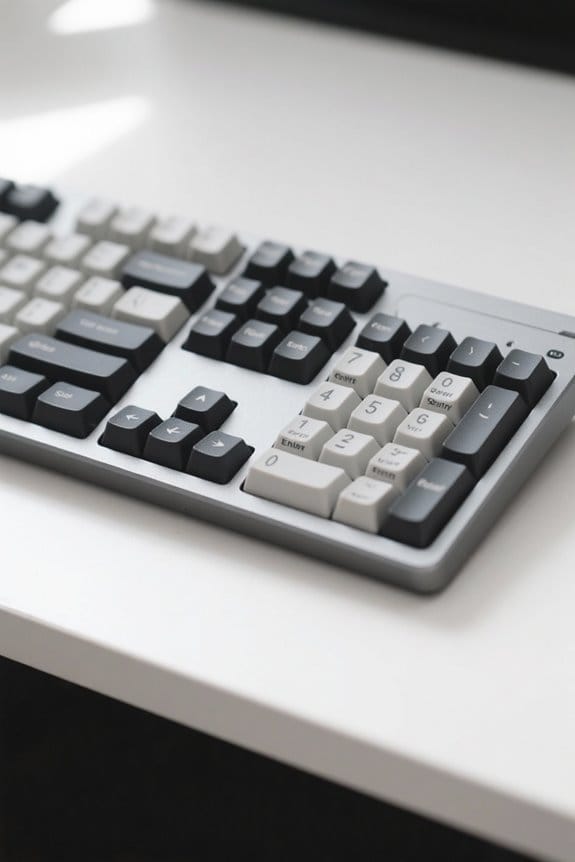
While ANSI keyboards are popular in North America, the ISO layout has gained significant traction in Europe and beyond. The ISO keyboard layout is defined by its L-shaped Enter key, which contrasts with the rectangular Enter key found on ANSI keyboards.
Key features of ISO layouts include:
- Shorter Left Shift: This design allows for an additional key, often used for special characters or modifiers.
- 105 Keys: Full-sized ISO keyboards provide enhanced accessibility for multilingual typing and special character inputs.
- Backslash Key: Positioned to the left of the Enter key, unlike the ANSI layout.
- Alt Gr Key: This enables quick access to diacritics and special symbols required for various languages.
With these elements, ISO keyboards cater well to diverse typing needs. Many users also appreciate the ISO layout for its enhanced accessibility when typing in multiple languages and using special characters.
Key Differences Between ANSI and ISO Layouts
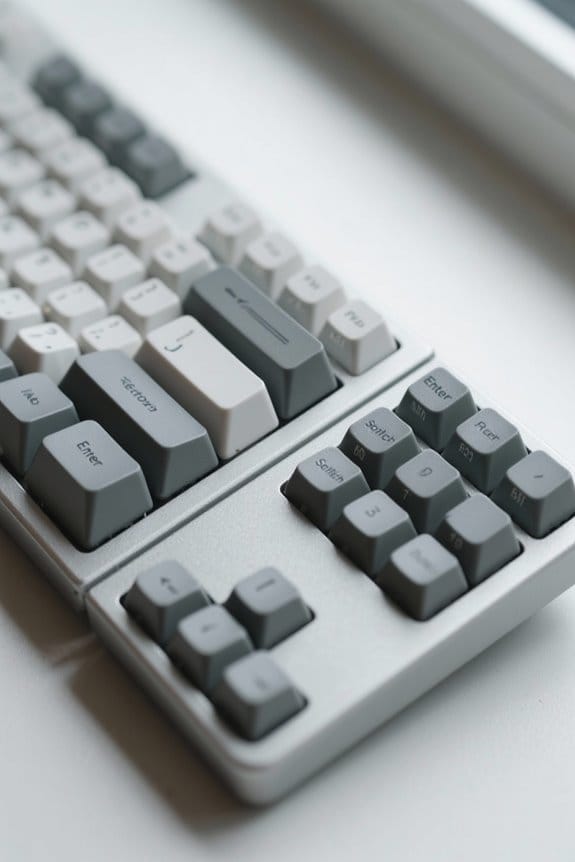
In comparing ANSI and ISO keyboard layouts, it becomes clear that several key differences set them apart.
- Enter Key Shape: ANSI keyboards feature a wide rectangular Enter key, while ISO layouts have an L-shaped Enter key that occupies more vertical space.
- Key Count: ANSI keyboards typically have 104 keys, whereas ISO keyboards generally include 105, thanks to an additional key next to the shorter Left Shift key.
- Shift Key: The Left Shift key on ANSI (2U) is longer than the one on ISO (1U), influencing keyboard arrangement.
- Backslash Position: On ANSI layouts, the backslash key sits above the Enter key; on ISO, it’s below and to the left.
These differences affect typing habits in various regions, particularly between the US and European countries. Many users also choose layouts based on regional compatibility with local language characters and hardware standards.
Recommended Products

Fully customisable: The Skiller SGK50 S3 barebone is delivered without switches or keycaps and thus allows maximum personalisation. It can hold almost all standard switches and keycaps made of a material of the user's choice. Thanks to a clever switch board and included positioning plates, all ANSI and ISO layouts are covered independently of language.

Fully customisable: The Skiller SGK50 S3 barebone is delivered without switches or keycaps and thus allows maximum personalisation. It can hold almost all standard switches and keycaps made of a material of the user's choice. Thanks to a clever switch board and included positioning plates, all ANSI and ISO layouts are covered independently of language.

✅Glorious Aura Keycaps V2 : This redesigned 145 key pudding keycap layout is compatible with GMMK Regular/PRO and most keyboard sets
The Importance of Regional Preferences

Understanding regional preferences is important when selecting a keyboard layout. The ANSI vs ISO keyboard layout reflects these differences considerably. In the U.S. and Canada, ANSI layouts are preferred, featuring a rectangular Enter key and 104 keys. In contrast, many European countries use the ISO layout, which has an L-shaped Enter key and an additional key for special characters, making it suitable for multilingual typing.
This inclusion of extra characters helps users type in various European languages smoothly. Furthermore, keycap sets are more readily available for ANSI layouts, appealing to keyboard enthusiasts. On the other hand, ISO keycaps are rarer and typically found in specialized markets. Thus, your choice should align with your regional needs and typing requirements. Leather options like full-grain and PU leather provide durability and style for complementary desk accessories.
Typing Experience: ANSI Vs ISO
When it comes to typing experience, we’ve got some noticeable differences between ANSI and ISO layouts that can affect our comfort and efficiency.
- ANSI Layout:
- Features a larger, rectangular Enter key.
- Preferred by gamers and programmers in the US due to its ergonomic design.
- Straightforward key access enhances typing speed and user performance.
- ISO Layout:
- Offers an L-shaped Enter key with space for an extra key next to the left Shift.
- Includes the Alt Gr key for easy language adaptability and access to diacritics.
- May provide higher typing efficiency for multilingual users.
Switching layouts can impact our typing speed, as the placement of keys, like backslash, differs considerably, leading to a necessary adjustment period. The choice of layout can also influence compatibility with multi-device connectivity and shortcuts across different operating systems.
Pros and Cons of ANSI Layout
Evaluating the pros and cons of the ANSI layout can help us make an informed choice about our keyboard preferences.
Pros:
- Accessibility: The large rectangular Enter key improves typing and gaming experiences.
- Compatibility: ANSI layout features 104 keys, ensuring broad software compatibility.
- Customization Options: Users can easily find keycap sets to personalize their keyboards.
- Left Shift Key: The longer Left Shift key supports uppercase typing and shortcuts, enhancing efficiency.
- Budget-Conscious Choices: ANSI keyboards are often more affordable, catering to those looking for economical options.
Cons:
– Regional Limitations: Primarily used in North America and parts of Asia, it may lack options for non-English typing environments.
Additionally, many users appreciate sturdy construction and cable management on peripherals like boom arms for improved setup durability features.
Pros and Cons of ISO Layout
The ISO layout offers unique advantages and disadvantages that can impact our overall typing experience.
Pros:
- The additional key next to the left Shift enhances accessibility for special characters, making it ideal for multilingual users.
- Its L-shaped Enter key differentiates it from the ANSI keyboard layout, allowing easy identification in European contexts.
- The Alt Gr key enables us to type regional symbols and accents efficiently, improving usability for specific languages.
Cons:
- ISO keyboards often come at a higher cost, mainly due to limited availability and specialized keyboard configurations.
- Some users may find its ergonomic positioning less intuitive, with certain keys placed further from the home row, potentially affecting comfort during extended typing sessions.
The ISO layout is also common across many European keyboards, which influences regional availability and key labeling.
Choosing the Right Layout for Your Needs
Choosing the right keyboard layout can considerably enhance our typing efficiency and comfort, particularly when considering our specific needs.
- ANSI Layout: Ideal for users in the US or Canada, it provides excellent compatibility with most software. Programmers often select this layout because it allows easy access to programming keys and customization options.
- ISO Layout: More suitable for users in Europe or those working in multilingual environments. This layout supports diacritics and features an additional key, the Alt Gr, which grants quick access to special characters and shortcuts.
Ultimately, we should evaluate our typing comfort and experience with each layout. Adjusting between ANSI and ISO can take time, so it’s essential to choose a layout that meets our specific requirements. Many users also consider factors like ergonomics and build quality when choosing a keyboard.
Popularity of ANSI and ISO by Region
When it comes to keyboard layouts, we often see a clear divide in popularity between ANSI and ISO regions. ANSI keyboards dominate in the United States, Canada, and parts of Asia, making them the go-to choice in English-speaking regions. On the other hand, ISO keyboards are favored across Europe, including Germany and France, enhanced for multilingual use and special character accessibility.
Key differences include:
- Layouts: ANSI has 104 keys; ISO features 105 keys, adding regional functions.
- Key placement: ISO layouts include Alt Gr keys for diverse languages.
- Keycap sets: ANSI keyboards have broader availability, making accessory shopping easier.
Whether you need common Spacebar width or specific key functions, knowing these differences can improve your typing experience. Ergonomic considerations like ideal wrist rest thickness (around 1 to 1.2 inches) can further enhance comfort when using different keyboard layouts.
Exploring Alternatives to ANSI and ISO Layouts
In our search for ideal typing experiences, we might want to evaluate several alternatives to the common ANSI and ISO layouts.
- JIS Keyboard Layout: Used in Japan, it includes extra keys for Japanese input and has a shorter spacebar.
- QWERTZ Layout: This layout is prevalent in German-speaking countries, swapping the Z and Y keys for local needs.
- AZERTY Layout: Common in French-speaking regions, it rearranges characters to support the French language.
- Dvorak and Colemak: Both are designed for improved efficiency with optimized key placements.
- HHKB: A compact 60% keyboard layout that emphasizes ergonomics and frequently used keys.
These layouts cater to various non-English languages and personal preferences, enhancing our overall typing comfort.
Recommended Products
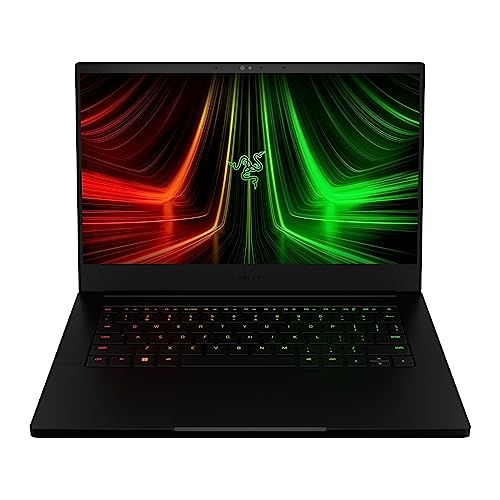

【2-Year Warranty | U.S.-Assembled | 90-Day Returns】Your satisfaction is our priority. We provide a comprehensive 2-year manufacturer’s warranty and 90-day hassle-free returns. Our laptops, partially assembled in the USA, undergo strict quality checks to ensure durability and performance. Our dedicated support team is available to quickly resolve any issues.

Powerful 7th Generation Intel Core i7-7700HQ quad-core 2.8GHz (Turbo up to 3.8GHz), standard voltage for full performance
Frequently Asked Questions
Is ISO or ANSI Layout Better?
We believe the better layout hinges on personal preferences. ISO offers language compatibility and comfort, while ANSI excels in usability and design aesthetics. Understanding our regional differences helps us choose the most suitable keyboard layout for our needs.
Is the US Keyboard Layout ANSI or ISO?
The US keyboard layout is ANSI. We find its design standards favoring user familiarity and typing efficiency, while also offering greater product availability and customization options, addressing various keyboard variations and regional differences effectively.
What Is the Best Keyboard Layout for a Laptop?
When we choose the best laptop keyboard layout, we seek ergonomic designs with mechanical switches, customizable options for typing speed, gaming performance, and multi-language support—always mindful of budget, portability, and backlit features to brighten our paths.
Does the USA Use ANSI or ISO?
In the USA, we primarily use the ANSI keyboard, benefiting from its ergonomic layout and customization options. While ISO features support international needs, ANSI caters to our gaming and typing speed preferences.