As an Amazon Associate, we earn from qualifying purchases. Some links on this site are affiliate links at no extra cost to you. Our recommendations are based on thorough research and editorial judgment.


Laptop Battery Health: What Affects Real Lifespan

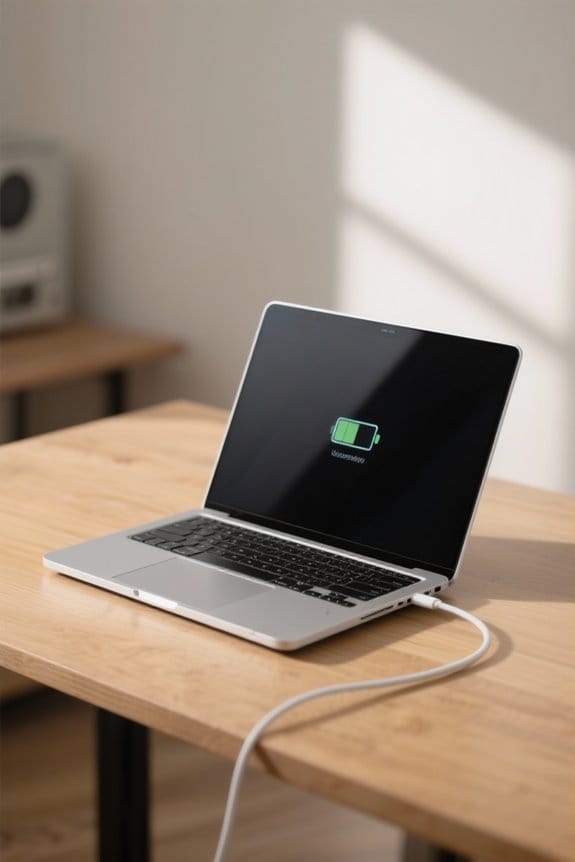
We all want our laptop batteries to last longer, right? Several factors affect real lifespan, including:
- Charge Cycles: Each full discharge contributes to battery wear.
- Temperature: Keeping your laptop cool prevents capacity loss.
- Charging Practices: Following the 20-80 rule can lower stress on battery materials.
By managing these aspects, we can improve battery health. We’ll explore more best practices to keep your battery thriving.
Key Takeaways
- Lithium-ion batteries lose capacity over time due to chemical aging and usage, impacting their overall lifespan.
- Each full discharge counts as a charge cycle, contributing to battery degradation and reduced performance.
- Extreme temperatures can accelerate battery aging; ideal operating temperatures range from 32°F to 95°F.
- Following the 20-80 charging rule minimizes stress on battery materials and prolongs overall battery health.
- Regular software updates and power management settings can enhance battery longevity by optimizing performance.
Understanding Laptop Battery Health
When we talk about laptop battery health, we’re fundamentally discussing how well the battery performs and how long it lasts. A new lithium-ion battery starts at 100% health, but performance declines considerably below 80%.
To understand battery health, we need to take into account:
- Charge Cycles: Each battery has 300 to 1000 cycles; extensive usage decreases health.
- Battery Capacity: Regular monitoring of battery capacity helps us track health.
- Chemical Aging: Over time, batteries deteriorate due to chemical aging.
- External Factors: Extreme temperatures and heavy usage impact performance negatively.
Utilizing the 20-80 rule, where we keep our battery between 20% and 80% charge, can extend battery life. By effectively managing our battery health, we can guarantee ideal performance over its lifespan. High-capacity external battery packs can provide emergency power without stressing your laptop’s internal battery when used properly, especially models with multi-port capabilities that allow charging multiple devices.
Factors Impacting Battery Lifespan

Several key factors can greatly impact the lifespan of a laptop battery, and understanding these can help us manage our devices more effectively.
- Battery Age: Lithium-ion batteries naturally lose capacity over time due to chemical aging and usage patterns.
- Charge Cycles: Each time we use 100% of the battery, it counts as a charge cycle, contributing to degradation; most batteries endure 300 to 1,000 cycles.
- Extreme Temperatures: Both high and low temperatures can harm battery health, leading to faster aging and reduced capacity.
- Power Management: Optimizing software settings can extend lifespan by improving usage patterns and minimizing power drain.
- Maintenance Practices: Keeping the battery charged between 20% and 80% and avoiding deep discharges can noticeably prolong battery lifespan.
Battery selection also matters, since choosing a compatible replacement with the proper battery capacity and safety certifications can preserve performance and longevity.
Recommended Products


True All-Round BMS Protection: Renogy 12V 300Ah Lifepo4 Battery built in with a reliable 200A battery management system (BMS) for regulating high discharge current of up to 200A. The included low-temperature cut-off makes for safer charging in winter and consistent performance in the long run.

Smart Bluetooth 5.0:Whether camping or RVing, you can monitor battery status anytime—no need to manually inspect, avoiding unexpected shutdowns and ensuring devices run smoothly.
Optimal Charging Practices
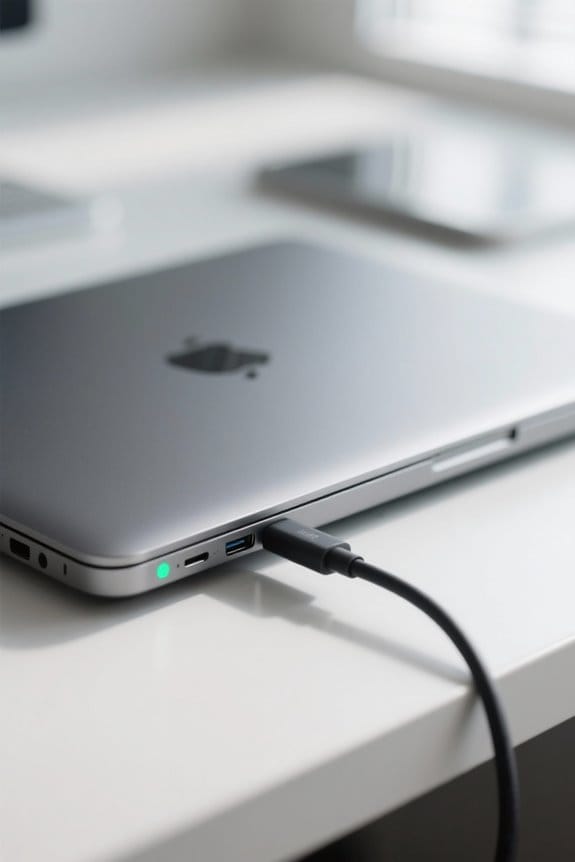
Managing our laptop battery health is not just about understanding contributing factors; it also includes adopting ideal charging practices. To optimize our battery life and lifespan, we should follow several guidelines:
- Follow the 20-80 Rule: Keep our charge between 20% and 80% to minimize stress on battery materials.
- Avoid Deep Discharges: Letting the battery drop below 20% can reduce its lifespan considerably.
- Use Original Chargers: Always charge with the original charger to guarantee it provides the correct voltage and maintains health.
- Prefer Partial Charges: Short, frequent charging cycles are better than complete charges, reducing strain.
- Regulate Temperatures: While we haven’t discussed this in detail, keeping usage and charging temperatures moderate helps maintain battery health.
- Consider using a portable charger with USB-C Power Delivery when you need fast, reliable charging on the go.
Recommended Products

Colossal capacity in a transportable design: Offers up to 160TB of RAID storage, providing a premium solution for demanding workflows on location or in the studio.

Dual 120V/240V Output for Home and Outdoor Use: Power up everything you need with the ABOK 7200 portable power station. Featuring dual-voltage AC output (120V and 240V), this solar generator supports both home appliances and high-power tools. Its 7200W pure sine wave output ensures stable electricity for construction sites, RV travel, home backup, or off-grid living-reliable, versatile, and built for all power scenarios

TOP Grain Leather: Weilianda home theater seating is designed to provide the ultimate level of comfort and convenience for your movie and gaming experience. Made with top grain leather, this recliner chair is not only stylish but also incredibly durable and comfortable. The high-quality leather is soft to the touch and is easy to clean, ensuring that your seating will look great for years to come.
Temperature Management for Battery Longevity
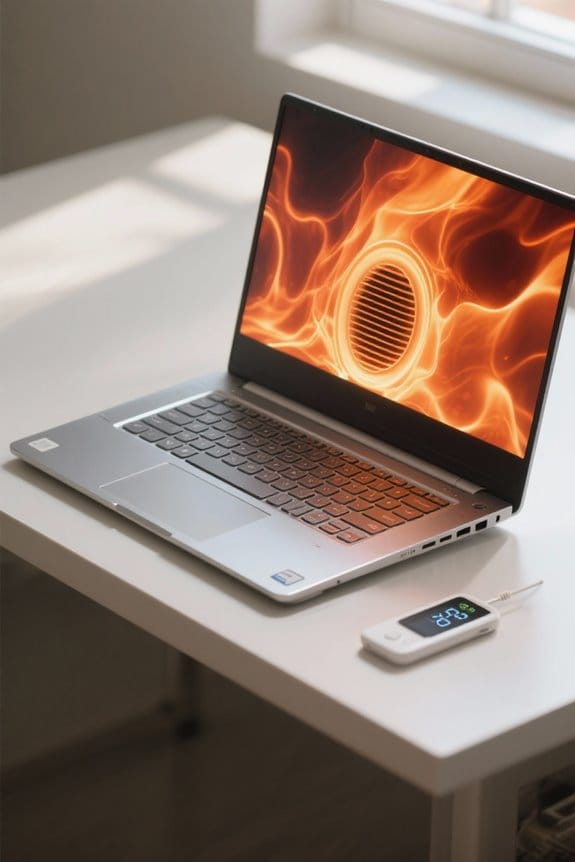
To guarantee our laptop batteries last longer, effectively managing temperature is essential. Lithium-ion batteries function best within an ideal range of 32°F to 95°F.
- Avoid Overheating: Prolonged exposure to higher temperatures can lead to capacity loss and battery degradation, especially during charging.
- Enhance Ventilation: Keeping our laptops well-ventilated helps prevent overheating during intensive tasks, which can extend battery lifespan.
- Regular Maintenance: We should regularly check and clean ventilation systems to eliminate dust buildup that contributes to overheating issues.
- Cool Charging Environment: Charging our batteries in a cooler environment can greatly support their health and minimize degradation linked to elevated temperatures.
Using external cooling accessories like multiple quiet fans can further reduce operating temperatures and help preserve battery capacity.
Recommended Products
Designed with reservoir for Bitspower Dual/ single D5 top

Designed with reservoir for Bitspower Dual/ single D5 top

Designed with reservoir for Bitspower Dual/ single D5 top
Power Management Strategies

When we prioritize effective power management, it can greatly enhance our laptop’s battery lifespan and overall performance. Here are some strategies we can adopt:
- Adjust Power Management Settings: Lowering screen brightness and enabling battery saver modes helps extend battery lifespan considerably.
- Charge Wisely: Following the 20-80 rule for charging maximizes charging times and reduces stress on battery materials.
- Disable Unnecessary Applications: Turning off background processes conserves battery usage, preventing considerable power drain.
- Regular Maintenance: Keeping our software updated can improve battery health and power management algorithms.
- Temperature Management: Maintaining ideal temperatures between 32°F and 95°F is essential to prevent overheating, which can degrade battery performance.
Choosing accessories with surge protection can help protect your laptop and charging equipment from electrical spikes.
Recommended Products
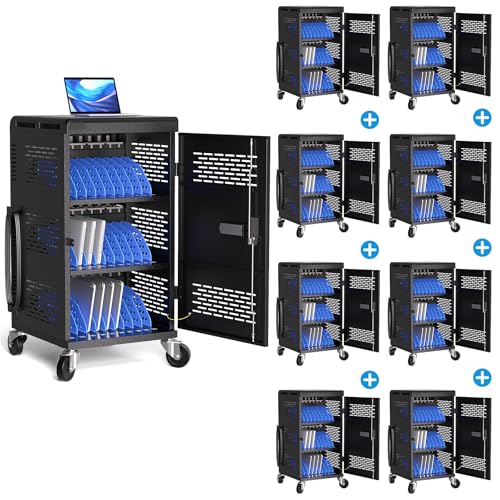
8-PACK OF CARTS: This bundle includes eight (8) individual charging carts.

Enables bump test tracking, email notices and easy recordkeeping for improved compliance

POWERED FOR PROFESSIONALS – The LG gram Max 17 Laptop is powered by the Intel Core Ultra 7 355 processor featuring a dedicated AI NPU delivering up to 49 TOPS for accelerated AI-enhanced workflows, smarter multitasking, and next-generation productivity. Combined with 32GB LPDDR5X RAM and 2TB SSD storage, this LG gram Laptop delivers fast responsiveness for demanding business and everyday tasks.
Monitoring and Maintaining Battery Health
After applying effective power management strategies, we can focus on monitoring and maintaining battery health for peak laptop performance. Here’s how to do it:
- Use Battery Reports: Access your laptop’s battery report to check capacity and cycle count. This helps us know when it’s time to replace the battery.
- Maintain Charge Levels: Keeping charge levels between 20% and 80% reduces stress on the battery, extending its lifespan.
- Avoid Extreme Temperatures: Storing our laptops in temperatures between 32°F and 95°F is key. Extreme heat can degrade battery health.
- Original Chargers: Using original chargers and performing periodic battery calibrations will enhance performance and accuracy of readings over time.
Many replacement batteries offer safety certifications such as UL, CE, and FCC to help ensure reliable performance and user protection.
Recommended Products

Space-Saving & Lightweight Design: As the first-ever 200Ah LiFePO4 battery in the Group 31+ category, it weighs only 44.5 lbs—65% lighter than comparable lead-acid batteries. Its lightweight build reduces your boat’s weight, enabling smoother sailing, faster speeds, and more responsive handling.

[Bluetooth APP Monitoring] ECO-WORTHY 12V 280Ah Smart LiFePO4 Lithium Battery is built-in upgraded smart BMS, accessed Bluetooth 5.1 module, allows you to monitor the battery information in real time through ECO-WORTHY APP. You can read the battery voltage, current, battery capacity and other important information at any time. Bluetooth connection range: no more than 15 meters from the battery

Excellent Safty: NPP 6 225Ah SLA battery stand out for their exceptional safety performance. Lithium batteries are prone to fire and other accidents, while the probability of SLA batteries catching fire and exploding is almost non-existent
Frequently Asked Questions
What Affects the Battery Life of a Laptop the Most?
The battery life of our laptops is mostly affected by charging habits, battery usage, temperature impact, application demands, and battery cycles. By optimizing power settings, keeping software updated, and following energy-saving tips, we can extend longevity.
What Is the 40 80 Rule for Laptop Batteries?
They say, “An ounce of prevention is worth a pound of cure.” We should keep our battery charging between 40% and 80%, optimizing usage habits and energy efficiency for better health and longevity through smart maintenance tips.
Is a 76% Battery Health Good?
A 76% battery health isn’t ideal for peak battery performance. We should be mindful of usage patterns, charging habits, and heat exposure; considering battery replacements and calibration techniques can help extend lifespan expectations.
What Kills a Laptop Battery the Most?
Like a car tire wearing out, our laptop batteries suffer from heat exposure, deep discharges, charging habits, and heavy usage. We should monitor software updates and power settings to prevent premature age deterioration and maximize battery storage.