As an Amazon Associate, we earn from qualifying purchases. Some links on this site are affiliate links at no extra cost to you. Our recommendations are based on thorough research and editorial judgment.

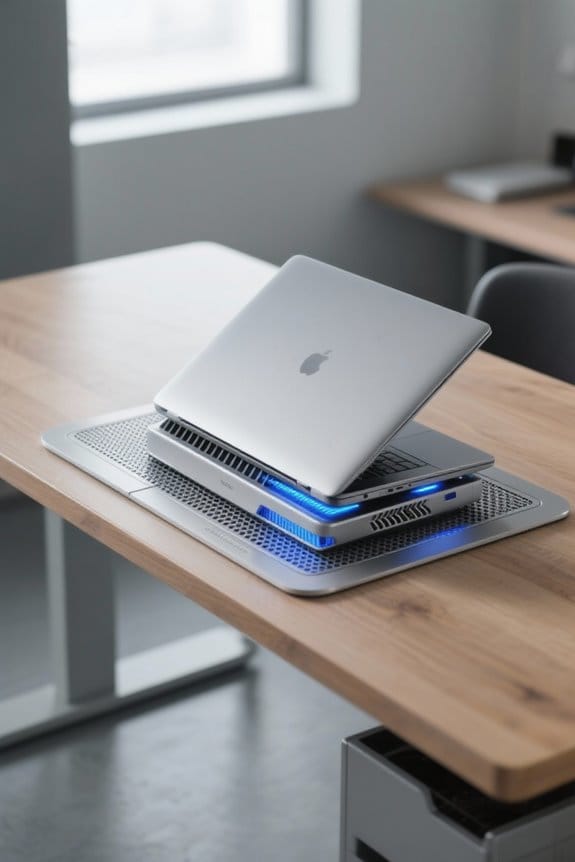
Do Cooling Pads Work? Thermal Dynamics for Laptops

Yes, cooling pads work well for mitigating laptop overheating. They typically reduce temperatures by 3 to 12 degrees Celsius, which helps in maintaining performance and extending the laptop’s lifespan. Active cooling pads, equipped with fans, are more effective than passive ones relying on materials for heat dissipation. To maximize their benefits, we should choose pads with larger fans, guarantee proper alignment with vents, and regularly clean both the laptop and the pad. More insights on optimizing performance await!
Key Takeaways
- Cooling pads improve airflow and can reduce temperatures by 3–12°C, helping to mitigate overheating issues in laptops.
- Active cooling pads use fans to lower temperatures significantly, while passive pads rely on material conductivity for modest cooling.
- Proper alignment of cooling pads with laptop vents is crucial for maximizing their effectiveness.
- Monitoring software can help track temperature changes and assess the impact of cooling pads on performance.
- Regular cleaning and using pads on solid surfaces enhance cooling efficiency and prolong laptop lifespan.
Understanding Laptop Overheating Risks
When we think about our laptops, it’s important to recognize the risks associated with overheating. High laptop temperatures, especially those exceeding 80°C, can lead to thermal throttling. This condition reduces performance from CPUs and GPUs during demanding tasks, resulting in frustrating performance issues.
Symptoms of overheating include sudden lag, frame rate drops, and system instability, which can particularly affect gaming. Continuous high temperatures also accelerate degradation of vital components, potentially causing premature hardware failure.
Proactive heat management is essential for extending our laptop’s lifespan and maintaining system reliability. Utilizing effective cooling strategies, like cooling pads, can help manage laptop temperature. This can minimize overheating risks, allowing us to enjoy smooth performance without the worry of damaging our devices. Semiconductor stands with thermoelectric cooling can deliver rapid temperature drops for intensive use.
Types of Laptop Cooling Pads Explained
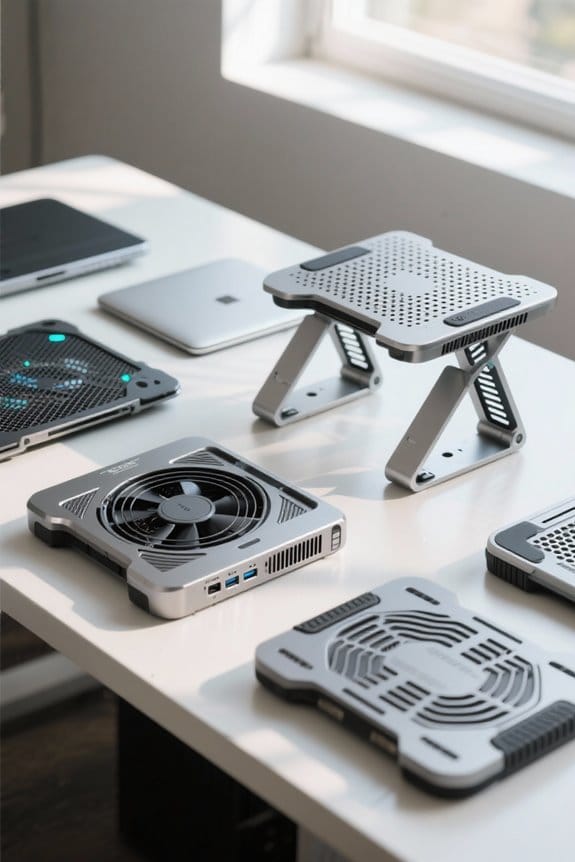
Cooling pads for laptops play a crucial role in managing heat, making certain our devices run at their best. There are two primary types:
- Active Cooling Pads: These utilize built-in fans that enhance airflow and actively dissipate heat, achieving temperature drops of 8–12°C. They usually require USB power and may feature adjustable fan speeds for ideal thermal management.
- Passive Cooling Pads: These rely on conductive materials and elevate the laptop, promoting natural cooling without using power. They offer modest temperature reductions of around 3–5°C, depending on design efficiency.
When choosing a cooling pad, we must consider factors like fan size, materials (mesh or aluminum), and overall cooling performance to make sure our laptops remain cool during intensive tasks.
Multiple-fan designs can provide significant advantages for heat reduction and often balance noise levels with cooling efficiency.
Active Cooling Pads
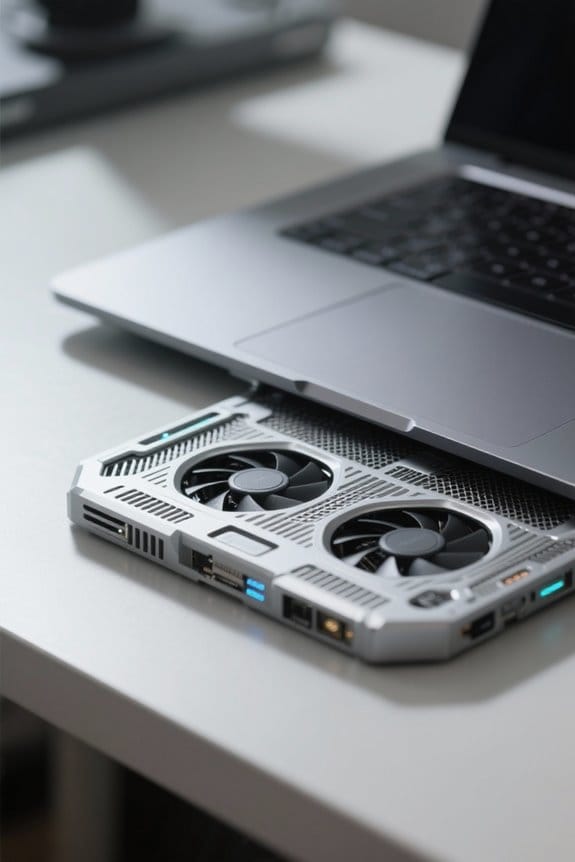
Active cooling pads are essential tools for anyone looking to enhance their laptop’s performance during high-demand tasks. These active cooling pads come equipped with built-in fans that considerably improve airflow, helping to lower internal temperatures by 8–12°C during intensive use.
Key Features:
- USB Power: They typically require USB power, making them easy to use anywhere.
- Adjustable Fan Speeds: Users can customize cooling based on their system’s needs, ensuring ideal performance.
They often achieve temperature drops in the range of 10-15C during heavy use, demonstrating significant cooling efficiency.
Recommended Products

Best-in-class cooling: Tilted fan with large grill for maximum cooling around your laptop

Intelligent AI Temperature Control with Myth.cool Software: Safeguard your laptop with our cutting-edge cooling technology! The llano V12 Ultra features three smart cooling modes (Low/Medium/High) that automatically adjust fan speed based on your laptop's workload. Experience efficient cooling with minimal noise—perfect for gaming, working, or streaming. Download the software from "llanolife.com/Download" for seamless control, or opt for manual operation with a simple scroller.

Timeless appearance with aluminum fins and steel mesh
Passive Cooling Pads
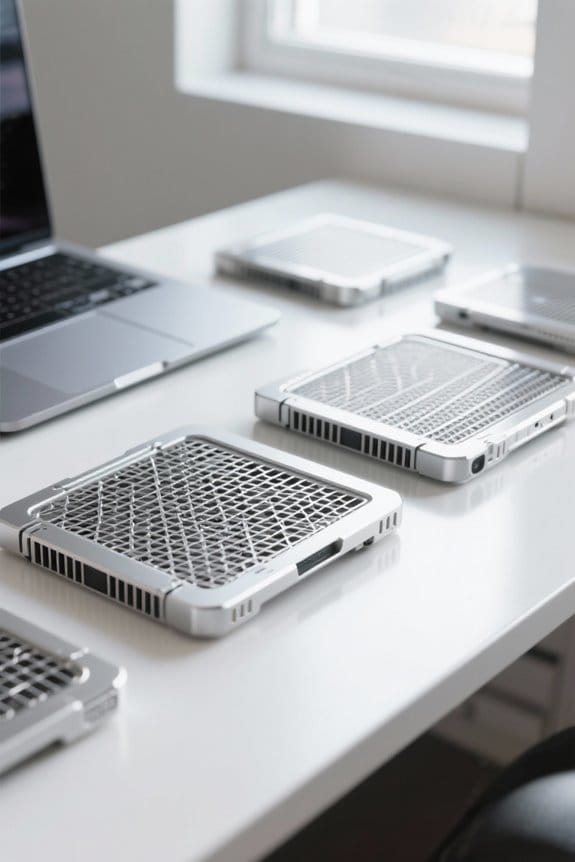
For those of us seeking a simpler approach to laptop cooling, passive cooling pads offer an effective solution without the need for external power. Here’s what you should know:
- Functionality: Passive cooling pads use conductive materials and elevation to promote natural airflow around our laptops.
- Temperature Reduction: These pads can provide a temperature reduction of 3-5°C, making them ideal for laptops with efficient internal cooling systems.
- Optimal Use: Their effectiveness is best on solid surfaces, enhancing airflow.
- Alignment: Proper alignment with laptop vents is essential to guarantee unobstructed airflow, which maximizes cooling potential.
- Portability: Lightweight and easy to use, passive cooling pads do have limitations in cooling efficiency, especially for high-performance laptops.
- Many users appreciate the portability and lightweight design that makes passive pads convenient for travel and everyday use.
Recommended Products
EXPERIENCE PCIe Gen 5: Drastically enhance your gaming and content creation experience with this PCIe Gen 5.0x4 NVMe M.2 SSD.

ULTRA POWER+ and DYNAMIC DASHBOARD III - SUPPORTS THE LATEST RYZEN 9000 PROCESSORS - The MEG X870E GODLIKE MAX employs a 24 DRPS (110A, SPS) for the AMD X870E chipset (AM5, Ryzen), 3.99" LCD for hardware monitoring and personalization

How Cooling Pads Improve Laptop Performance
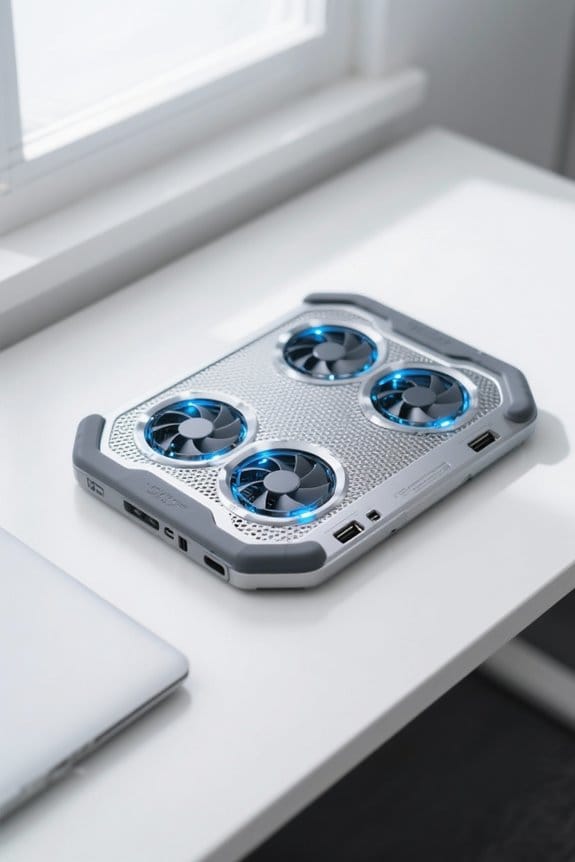
When we think about how to keep our laptops running efficiently, incorporating a cooling pad into our setup can make a considerable difference. Cooling pads improve performance by preventing overheating, especially during intensive tasks. Here’s how they help:
- Temperature Management: Active cooling pads can achieve temperature drops of 8–12°C, largely aiding in thermal regulation.
- Enhanced Airflow: They increase airflow to the laptop’s underside, ensuring effective cooling and steady processing speeds during demanding activities.
- Customizable Options: Many active cooling models offer adjustable fan speeds, allowing us to tailor airflow based on specific gaming needs or thermal conditions.
- Extended Lifespan: Regular use can help maintain lower internal thermal levels, reducing the risk of overheating-related damage and prolonging hardware life.
- Many cooling pads also feature non-slip surfaces and beveled edges to improve stability and reduce the chance of accidental slips.
Temperature Reduction Mechanics
Understanding how cooling pads reduce temperatures is vital for maximizing laptop performance. These devices enhance airflow, which is important for cooling. Here’s how the temperature reduction mechanics work:
- Alignment: Proper placement over laptop vents allows for unobstructed airflow, promoting effective cooling.
- Fan Power: Active cooling pads, featuring fans with CFM ratings of 70-80 or higher, move more air and markedly lower internal temperatures.
- Material: The construction materials, like aluminum or mesh, help dissipate heat. Using these pads on solid surfaces further improves airflow.
Users have reported impressive temperature drops, averaging 3-12°C, with some models achieving as much as 20°C. Selecting pads with 24K gold-plated connectors is irrelevant to thermal performance but can indicate better overall build quality. Ultimately, choosing the right cooling pad means considering airflow, fan capacity, and materials for peak laptop performance.
Performance Benefits
Cooling pads offer several performance benefits that can greatly enhance our laptop experience. Using cooling pads can reduce temperatures by 2-12°C, effectively managing heat to improve our laptop’s performance. For gaming laptops, this is particularly essential. Many users notice a 2-3 FPS increase during intense gaming sessions, which helps avoid thermal throttling.
Higher-end models like the Cooler Master NotePal X3 excel in cooling efficiency, thanks to advanced materials and fan designs. This improved airflow not only boosts performance but also enhances hardware longevity by preventing overheating-related issues. Regularly using a cooling pad can lead to a smoother gaming experience by mitigating lag and frame rate drops, allowing us to fully enjoy our gaming adventures. Models with adjustable height settings also improve ergonomics and airflow distribution.
Potential Drawbacks and Alternatives Compared
Though we often turn to cooling pads to enhance our laptop performance, it’s important to recognize their potential drawbacks and explore alternatives.
- Cooling Pads: While these devices may lower temperatures by 2-3°C for basic models and up to 12°C for high-end versions, they cannot replace effective internal cooling systems.
- Inconsistent Results: Some users notice little to no impact on overheating, as effectiveness can vary greatly based on laptop design and individual use.
- Alternatives: Consider using elevated laptop stands with built-in fans or vacuum coolers to target specific hot spots more efficiently.
- Maintenance: Regularly cleaning laptop vents and ensuring proper airflow can often result in better performance than relying solely on cooling pads.
Elevating your laptop on an adjustable stand can also improve ventilation and ergonomics by aligning the screen to eye level and enhancing airflow.
Tips for Maximizing Cooling Pad Effectiveness
To enhance our laptop’s cooling performance, we can follow several effective tips for maximizing the effectiveness of our cooling pads.
- Select Large Fans: Choose cooling pads with fans of 120 mm or larger for better airflow. Adjustable fan speeds let us customize cooling.
- Solid Surface: Always place the cooling pad on a flat, solid surface to prevent obstructed airflow, enhancing our laptop’s cooling.
- Unobstructed Vents: Regularly clean both our laptop and cooling pad to eliminate dust, ensuring efficient heat dissipation.
- Monitor Temperatures: Use software to keep an eye on laptop temperatures, aiming for below 80°C.
- Align Properly: Position the cooling pad to align with the laptop’s ventilation system, maximizing airflow to internal components.
Also consider choosing a cooling pad with durable materials like metal components for improved stability and heat transfer.
Selecting the Right Cooling Pad
How do we choose the right cooling pad for our laptop? When selecting the right cooling pad, consider these key factors:
- Fan Size: Look for larger fans (120 mm or bigger) for effective airflow. Adjustable fan speeds are a bonus.
- Material: Choose pads with a mesh or aluminum surface to enhance heat dissipation.
- Design: A lightweight design is preferable for easy transport and setup.
- Alignment: Confirm the cooling pad aligns with your laptop’s vents to facilitate ideal airflow.
- User Reviews: Research user feedback to understand cooling efficiency and noise levels.
- Power Source: USB-powered options are typically more effective for external cooling.
Many effective cooling pads leverage high-speed USB 3.0 connectivity to power additional fans and accessories for improved performance.
Performance Monitoring Strategies
When we prioritize performance monitoring strategies for our laptops, we can considerably enhance our device’s longevity and efficiency. Here are some effective methods:
- Use Monitoring Software: Programs like HWMonitor help us track laptop temperatures, providing real-time data on CPU temperatures and cooling performance.
- Establish Baselines: Taking temperature readings during idle and gaming sessions helps us measure improvements after using cooling pads.
- Observe Changes: Regularly noting variations in fan noise or frame rates can alert us to overheating issues.
- Set Alerts: Configuring notifications for temperatures exceeding 80°C guarantees timely action on cooling solutions.
- Analyze Effects: Review temperature changes before and after using cooling pads to evaluate their effectiveness and make informed future choices.
Frequently Asked Questions
Do Cooling Pads Actually Help Laptops?
Yes, cooling pads can help laptops. We’ve seen user experiences highlighting significant temperature reduction, improving laptop performance during intense tasks. Their effectiveness largely depends on design features that promote proper airflow and cooling efficiency.
Do Laptop Cooling Pads Increase FPS?
Laptop cooling pads may not directly increase FPS, but they enhance lap temperature management, reduce thermal throttling, and optimize airflow, which can give us a gaming performance boost and improve our laptop’s longevity overall.
What Are the Disadvantages of Cooling Pads?
Cooling pads can be noisy, use extra power, and may not fit every laptop. We often face portability issues due to added weight, and their materials might not always enhance cooling effectiveness as we hope.
Can a Cooling Pad Replace a Laptop Fan?
A cooling pad can’t replace a laptop fan; it supplements airflow, improving cooling pad performance and effectiveness. By enhancing laptop fan longevity, its design promotes compatibility, but both remain essential for ideal thermal management.