As an Amazon Associate, we earn from qualifying purchases. Some links on this site are affiliate links at no extra cost to you. Our recommendations are based on thorough research and editorial judgment.

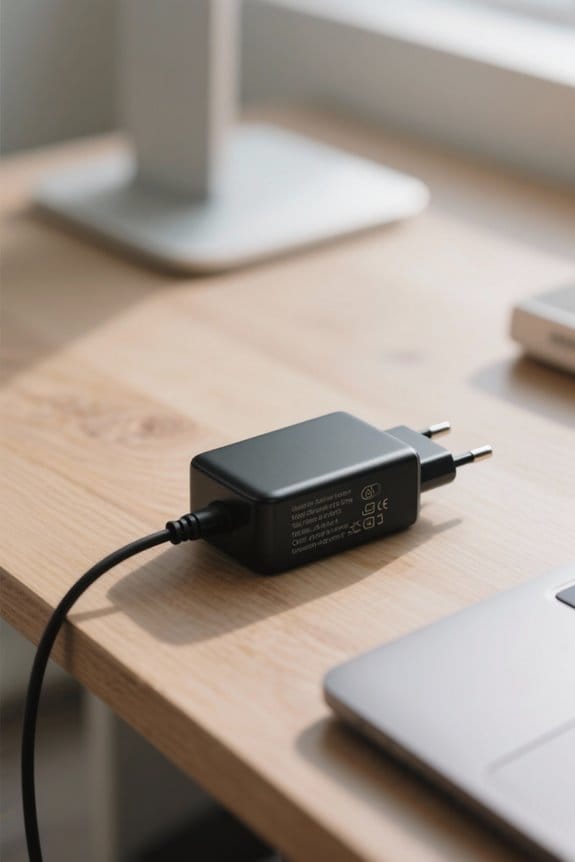
Laptop Charger Specs: Wattage, Voltage, Amperage Guide

When choosing a laptop charger, we should focus on three key specifications: wattage, voltage, and amperage.
- Wattage: This ranges from 30W for lightweight laptops to over 200W for high-performance models.
- Voltage: Most laptops operate between 19V and 20V.
- Amperage: Higher amperage can safely charge devices needing less.
Using a charger that meets or exceeds these specifications guarantees peak performance. If you’re curious, we’ll explore personalized options and maintenance tips next.
Key Takeaways
- Charger wattage is calculated by multiplying voltage (V) by amperage (A) and typically ranges from 45W to 200W for laptops.
- Voltage specifications for most laptop chargers range between 19V and 20V, with precise matching necessary to avoid damage.
- Higher amperage chargers can safely power devices with lower amperage needs, but using a charger with lower voltage can lead to charging issues.
- Opting for a charger with wattage that meets or exceeds manufacturer specifications ensures optimal performance and prevents throttling.
- Regular maintenance, careful usage, and ensuring proper connections help maximize charger efficiency and longevity.
Understanding Wattage in Laptop Chargers
Understanding wattage in laptop chargers is vital for anyone using a laptop. Wattage, calculated by multiplying voltage (V) by current (A), determines the power your laptop needs. Most chargers range from 45W to over 200W, tailored to different power requirements. Lightweight laptops typically require 30W to 45W, while high-performance models can demand 90W to 200W.
Using a charger that matches or exceeds these requirements is important for peak performance and avoiding battery damage. Higher wattage chargers can boost charging speed since the laptop only draws the necessary power if the voltage and amperage are compatible. Regularly checking your charger specifications verifies you’re using the right AC adapter for efficient and safe charging of your laptop. Consider choosing chargers with built-in safety features like over-current protection to safeguard battery health and prevent overheating.
How to Calculate Laptop Charger Wattage
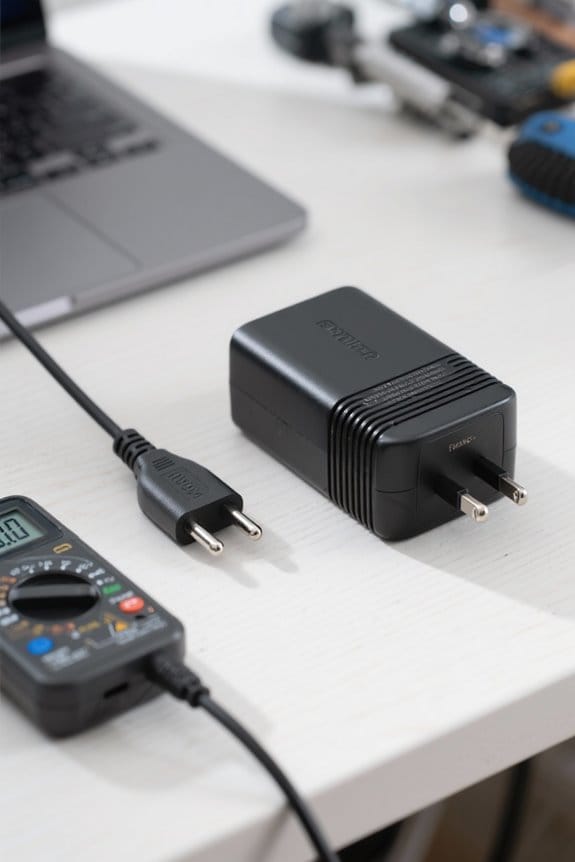
Calculating the wattage of your laptop charger is straightforward if it is understood the voltage and current ratings found on the charger’s label. To calculate wattage, we multiply the voltage rating (V) by the amperage (A):
– Wattage (W) = Voltage (V) × Amperage (A)
For example, if the charger output is 19 volts and 3.42 amps, the wattage will be 65 watts (19V × 3.42A = 65W).
We should always check the charger label to find the correct voltage and current, ensuring we meet our laptop’s specific wattage requirement. This understanding of power needs helps in selecting the right charger, preventing damage and optimizing performance. Most laptop chargers range from 45 to 150 watts based on device requirements. Additionally, when using multiple devices from a single source, choose a power strip with adequate surge protection and multiple AC outlets to safeguard equipment and provide sufficient power distribution.
Common Wattage Ranges for Laptop Chargers
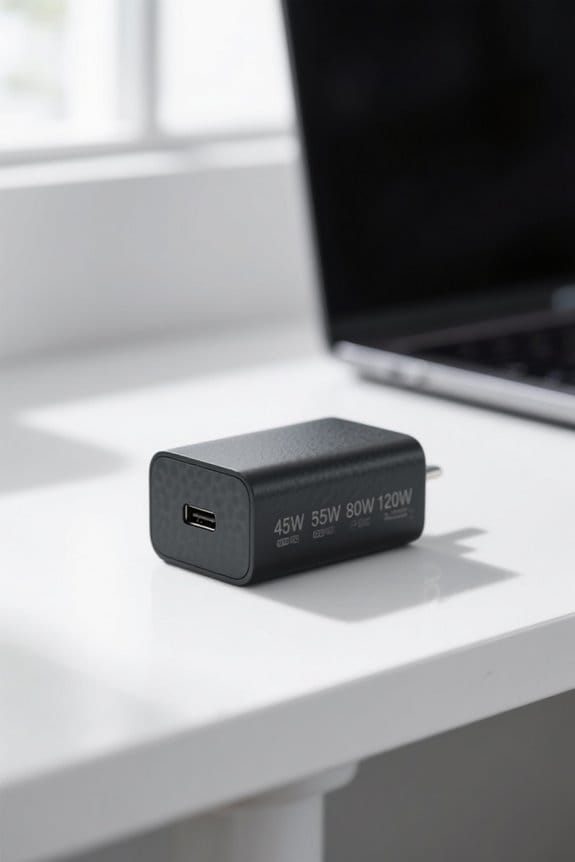
When it comes to laptop chargers, wattage varies widely based on the type of device you have. Here’s a quick overview of common wattages:
- Ultrabooks typically require 30W-45W, ensuring lightweight portability.
- Mid-range laptops often use a 65W charger, striking a balance between performance and efficiency.
- High-performance laptops, especially gaming models, need between 120W to 200W to support intensive tasks.
It’s vital to check the required wattage according to manufacturer specifications. While it’s fine to use a higher wattage charger—laptops will only draw what they need—using a charger below the required wattage can result in slower charging speeds or may prevent charging altogether. Matching voltages is also essential for safe operation. Cooling pads with multiple quiet fans can help manage heat during intensive use and improve laptop performance by lowering temperatures by 15-20°C.
Voltage Requirements for Laptop Chargers
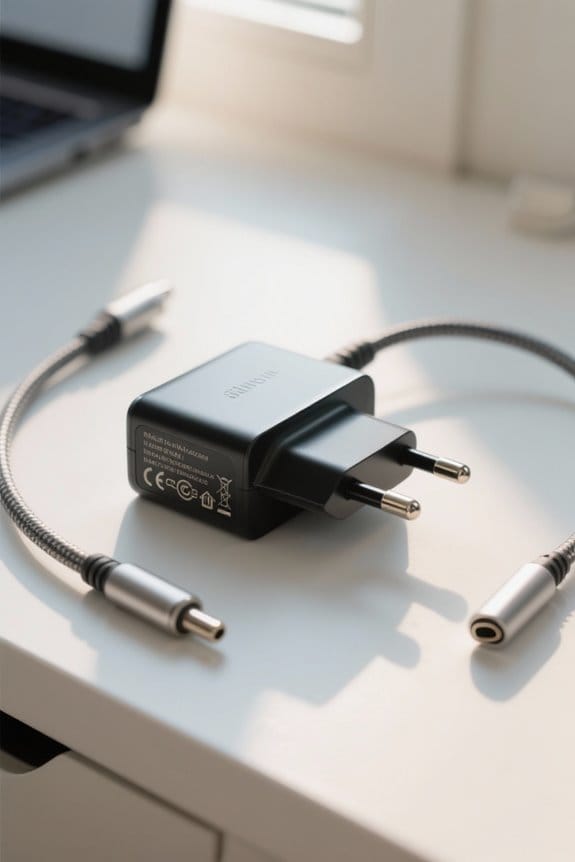
Voltage is an essential factor in verifying your laptop charges efficiently and safely. Here’s what you need to know about voltage requirements:
- Typical Voltage Range: Most laptop chargers operate between 19V and 20V. Always match this voltage to your laptop’s specifications.
- Effects of Lower Voltage: Using a charger with lower voltage can result in slow charging or the laptop not charging at all.
- Higher Voltage Risks: A charger with too high a voltage can damage internal components.
- Charger Compatibility: Check the charger label for voltage specifications, usually listed in volts (V) alongside amperage (A) and wattage (W). Verify that voltage matches exactly (within 1V) while higher amperage is acceptable for compatibility.
- Choose chargers made from durable materials when possible to ensure long-lasting, safe use.
Recommended Products

⭐【20-in-1 Enterprise-Level Docking Station】: The Wavlink enterprise-level quad 4K universal docking station is an ideal choice for large enterprises and designers, which provides a total of 20 ports: 1 x dc in, 1 x dc out, 1 x usb-c(upstream), 4 x displayport, 4 x hdmi, 1 x rj45 ethernet port, 1 x 4-pole 3.5mm phone jack, 1 x sd card reader, 1 x tf card reader, 3 x usb3.0-a, 1 x usb3.1-a, 1 x type-c(downstream, no data).

【Built-In 130W Wall Outlet】Charge mobile devices, laptops, drones, cameras, and small appliances—all from a single compact power source.

This battery may triple your computer running time. It may add 9 ~ 18 hours extra running time for most laptop/notebook computers and 20 ~ 30 hours extra running time for most ultra-books and tablets. This battery can work together with a device's internal batteries. Most laptop computers' internal battery capacity is around 50Wh to 75 Wh, but this battery capacity is 223 Watt-hour (Wh), or 60300mAh if rated like many other brand external batteries on market.
Importance of Amperage in Charger Selection
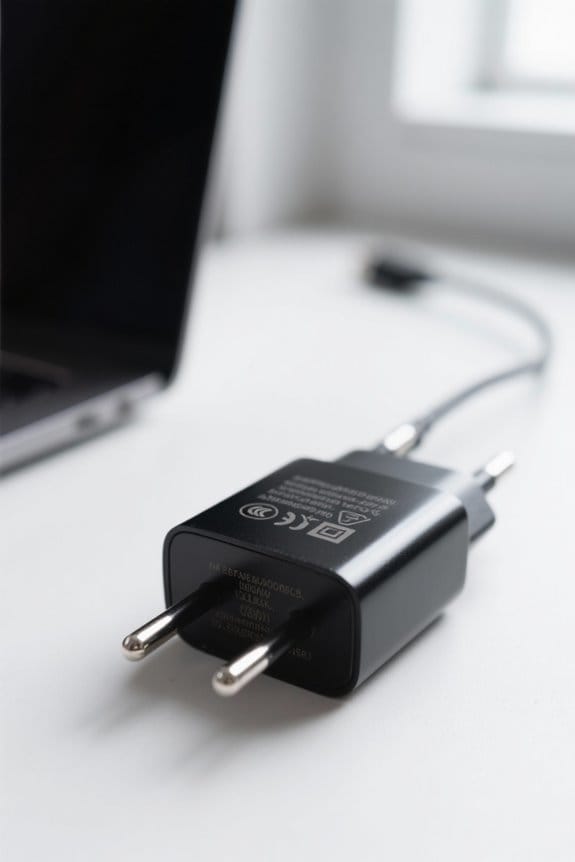
Generally, understanding amperage is crucial for selecting the right charger for our laptops. Amperage indicates how much electrical current a charger can deliver, directly impacting our laptop’s power output and charging times.
- Using a charger with higher amperage, like a 4A for a device needing 3.34A, is safe and guarantees ideal charging.
- However, opting for a lower amperage charger, say 2A, may lead to slow charging or even damage the laptop and charger.
While we must match the voltage, having some flexibility with amperage is key. When choosing a replacement charger, be sure both voltage and amperage align with our laptop’s specifications to maintain efficiency and safety standards. Testers that check voltage and charge status can help verify compatibility with your laptop battery health.
Identifying Laptop Charger Model Number
Identifying your laptop charger model number is essential for ensuring compatibility and peak performance. Here’s how we can do it:
- Locate the Specifications Label: On your charger, find the word “Model.” It’s often printed on the adapter’s body.
- Note the Model Number: This will be an alphanumeric code, like LA65NS2-01. Write it down for reference.
- Research Online: Use the model number to search reputable marketplaces like Amazon and eBay for listings and additional information.
- Verify Specifications: Before buying a replacement charger, confirm its output voltage, wattage, pin type, and diameter. These details are vital for compatibility and safe use with your laptop.
Also check for relevant safety certifications like UL, CE, or FCC when choosing a replacement.
Determining Pin Size and Output Specifications
When we look to determine the pin size and output specifications of our laptop charger, it’s important to gather the right measurements and details.
- Pin Size: Measure the outer and inner diameters of the connector. The format should be outer diameter x inner diameter (e.g., 4.5 x 3.0mm).
- Output Specifications: Check the original AC adapter for voltage (V), amperage (A), and wattage (W) ratings. The output voltage must match our laptop’s requirements, typically within a 1V tolerance. A higher amperage rating is acceptable.
- Charger Model: Variations can occur even among chargers sharing the same model number, so verifying compatibility before making a purchase is essential. Searching online using the charger model number can help find suitable replacements.
Also consider choosing chargers with essential safety protections like overvoltage protection to ensure safe charging and device longevity.
Recommended Products

5 Minute Quick Start Spot Welder: We use a wide voltage input of 100-240V and an adapter of 15amp high current for fast charging Connect the spot welding machine to the power supply using our adapter, and quickly reach the spot welding mark within 5 minutes (the display screen shows OK for spot welding), which can be used anywhere in the world.

Designed with double ports allow you to plug-in two electrical devices at once; Universal Input: Accepts plugs from all countries (except the Type M - big S. Africa 8.7mm Plug); 2nd input: Accepts 2 prong plug from any country; The Package consist of 4 plugs
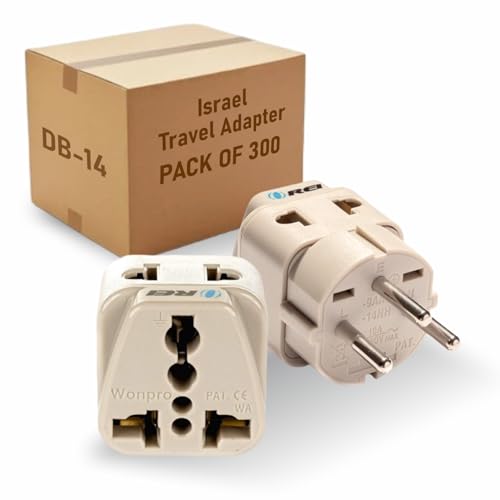
Designed with double ports allow you to plug-in two electrical devices at once; Universal Input: Accepts plugs from all countries (except the Type M - big S. Africa 8.7mm Plug); 2nd input: Accepts 2 prong plug from any country; The Package consist of 4 plugs
Choosing Between OEM and Third-Party Chargers
Choosing the right charger for our laptops can greatly affect their performance and longevity. When considering OEM versus third-party chargers, we must weigh several factors.
OEM Chargers:
- Designed for specific laptop models, ensuring perfect compatibility.
- Match required wattage, voltage, and amperage.
- Often come with warranty support from the manufacturer.
Third-Party Chargers:
- Typically more affordable and may offer universal compatibility.
- Quality varies considerably; they might not meet exact specifications.
- Check for certification (like UL or CE) to confirm adherence to safety standards.
While third-party options seem tempting, they can risk device damage if they don’t align correctly with our laptop’s needs. Ultimately, prioritizing safety and performance is key when making a decision. High-quality chargers also often include noise-canceling microphones and other integrated features that reflect better build standards.
Benefits of Higher Wattage Chargers
What makes higher wattage chargers a smart choice for many laptop users? By choosing a higher wattage charger, we benefit from fast charging, especially for power-hungry devices like gaming laptops. These chargers can efficiently handle the laptop’s power needs without risking damage, as laptops only draw what they require.
Main Benefits:
- Performance Maintenance: Opting for higher wattage helps prevent performance throttling during intensive activities like gaming or video editing.
- Support Multiple Devices: They can charm multiple devices simultaneously, making it easier to charge laptops and smartphones in one go.
- Enhanced Durability: Higher wattage chargers generally come with advanced thermal management, supporting longer battery life for both the charger and our laptop.
For consistent performance, staying away from lower wattage alternatives can keep our devices running effectively. A higher-wattage USB-C charger that supports 100W power delivery can provide both fast charging and broad device compatibility.
Compatibility Considerations for Laptop Chargers
Understanding compatibility considerations for laptop chargers is essential to guarantee our devices operate safely and efficiently. Here are key factors to keep in mind:
- Voltage: Match the charger’s voltage to the laptop’s requirement. A mismatch can lead to damage.
- Amperage: It’s okay for charger’s amperage to exceed laptop needs, but lower amperage can cause slow charging.
- Connector Type: Confirm the charger’s connector shape and polarity are correct to prevent physical damage.
- Wattage: Always verify the charger’s wattage; it should meet or exceed manufacturer specifications for effective performance.
- Compatibility: Checking all these details confirms a reliable power supply and reduces potential issues.
- Consider also the charger’s build quality and durability, since material quality affects longevity and safety.
Tips for Maintaining Charger Efficiency
Maintaining charger efficiency is essential for keeping our laptops running smoothly. Here are some tips to help us preserve our laptop chargers:
- Inspect Regularly: Check for any signs of wear and tear, like frayed cables or cracked connectors, as they can harm our charger efficiency.
- Clean Connectors: Keep the charger and connectors clean and dry. Corrosion can hurt the electrical connection and reduce charging speed.
- Store Properly: Avoid tightly winding the cable when storing it, as this can cause internal damage over time.
- Use Surge Protectors: Protect our charger from power surges to enhance its lifespan and maintain performance.
- Unplug When Not in Use: This minimizes wear and tear and reduces overheating risks for our laptop charger.
Frequently Asked Questions
How Do I Tell What Wattage Charger My Laptop Needs?
To find our laptop’s wattage needs, we should check the laptop specifications and manufacturer guidelines. We’ll consider voltage ratings, amperage calculations, and ascertain charger compatibility for ideal charging efficiency and battery health with universal chargers.
Is a 20W or 30W Charger Faster?
A 30W charger’s faster than a 20W charger, enhancing charging speed and improving battery health. We should always consider manufacturer recommendations to guarantee device compatibility and minimize heat generation with better power delivery for ideal usage habits.
Can I Use a 65W Charger for a 100W Laptop?
Using a 65W charger for a 100W laptop’s like trying to fill a large bucket with a tiny stream—it’s risky! We should heed manufacturer recommendations to avoid overheating risks, compatibility concerns, and impacting battery health long-term.
Can I Use a 120W Adapter on a 65W Laptop?
Yes, we can use a 120W adapter on a 65W laptop, ensuring voltage compatibility. By prioritizing safety precautions and brand reliability, we enhance charging speeds and promote energy efficiency without risking overheating issues or electronics lifespan.